
Summary
JWT Scheme for password less authentication in Niagara.
Implementation
-
Open the btibAuth palette.
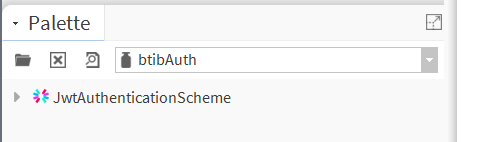
-
Drag and drop the scheme into Services → AuthenticationService → Authentication Schemes.
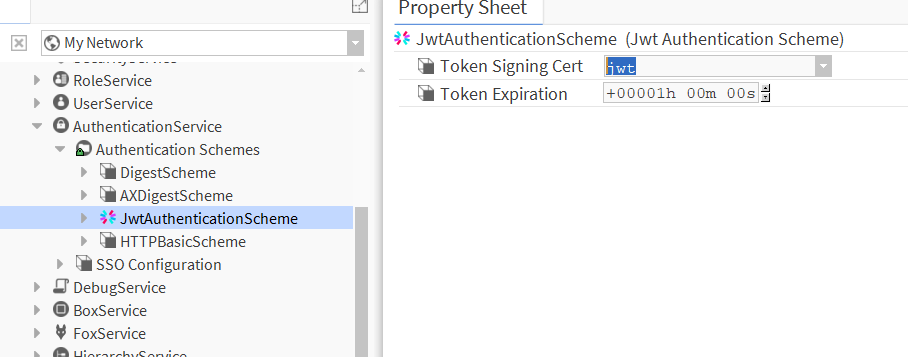
-
Double-click on the scheme and fill in the parameters.
Properties
-
Token Signing Cert: The certificate key used for JWS signing.
-
Token Expiration : The time to live for a given token.
Actions
-
Initialize: Initialize the scheme and set up the Web Server.
-
Reset: Disable the JWT part from the web server.
-
Invalidate: Invalidate all tokens (use this action to instantly invalidate all already generated tokens).