JWT Authentication is an authentication protocol that enables passwordless authentication and improves the basic authentication scheme used in Niagara.
To start using the JWT authentication scheme: Download the btibAuth module from the website.
Signing Key
-
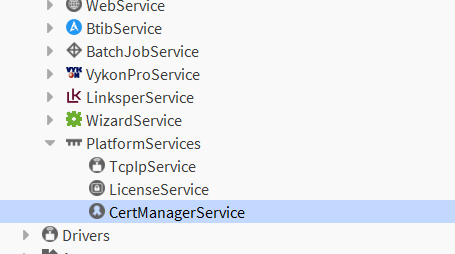
Go to the CertManager of the station (not in the platform)
-
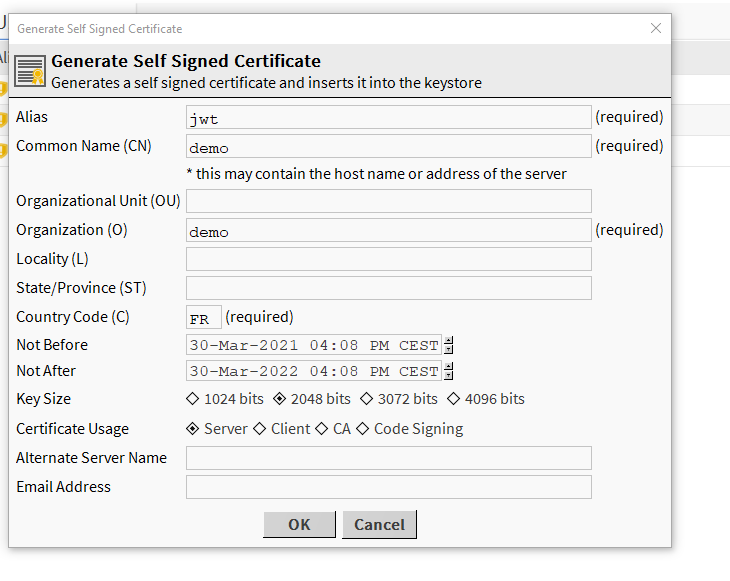
Generate a server key by clicking on "New" in the User Key Store manager and filling the required information according to your project:
Set up the Authentication Scheme
-
Go to the btibAuth palette.
-
Drag&Drop the JwtAuthenticationScheme to Services → AuthenticationService → AuthenticationSchemes
-
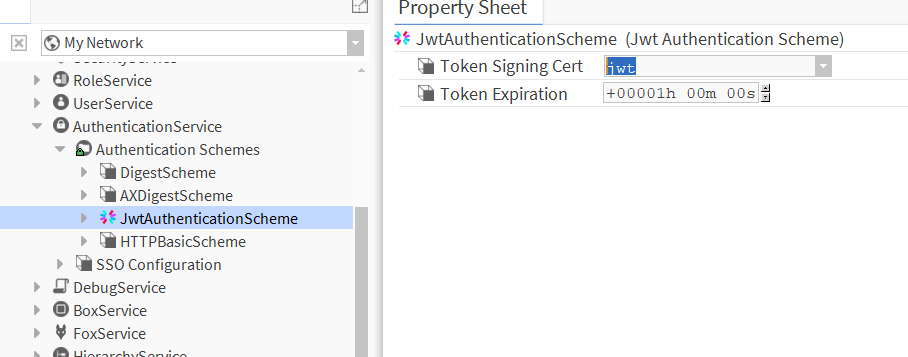
Select the Token Signing Cert
Since the 4.13, certificates can now have passwords, the slots in the JwteAuthenticationScheme have been adapted so you can enter the password
-
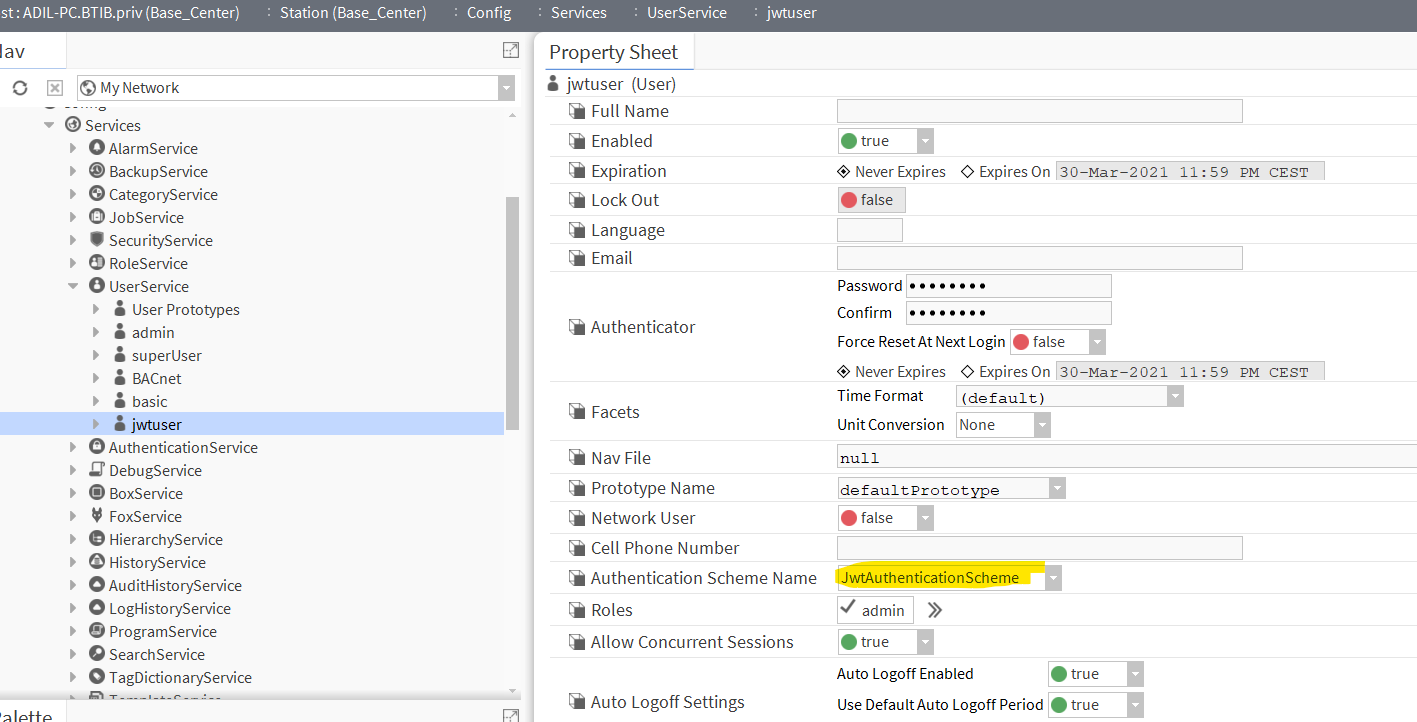
Create a user and set its authentication scheme to JWT Authentication Scheme.
Access APIs
-
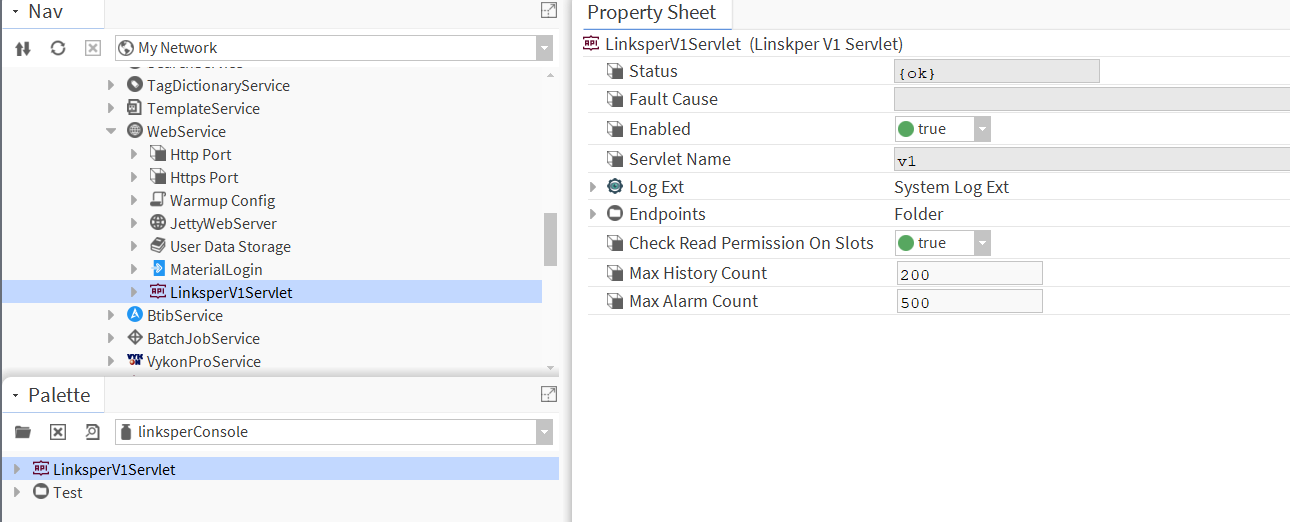
Make sure, the API Servlet is added to the web service from the linksperConsole palette or the btibAPI palette.
-
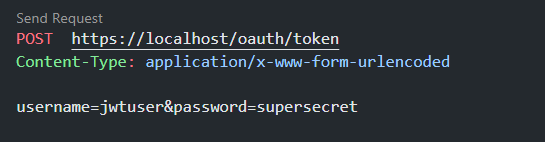
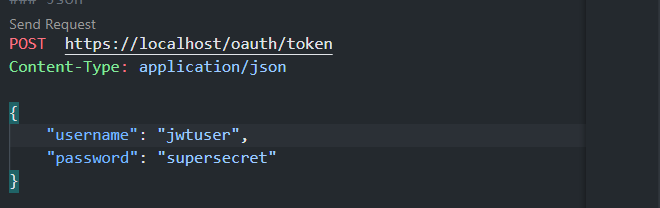
Generate an access token (Don't forget to specify the header)
-
Using the form encoded mime type.
-
Or using the JSON mime type.
-
-
Then you will get an access token for this user (keep it safe).
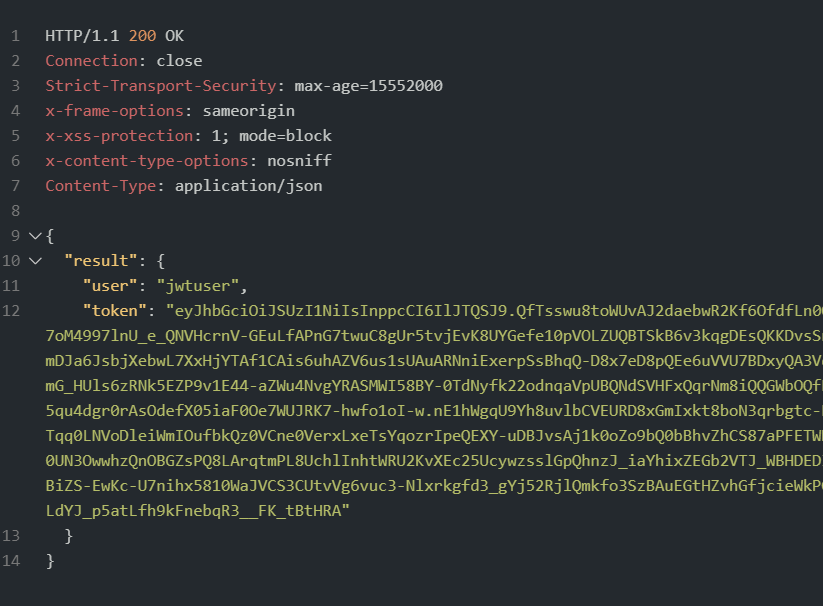
-
Now use the token in a bearer authorization header to access BTIB APIs or any Niagara based APIs.

-
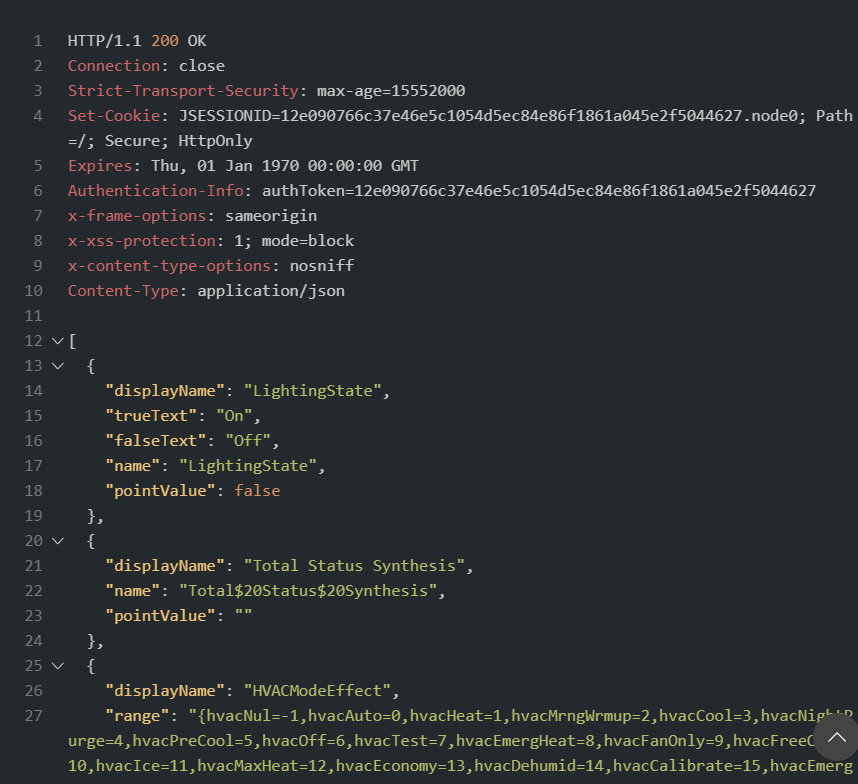
Then you should get a response like this.