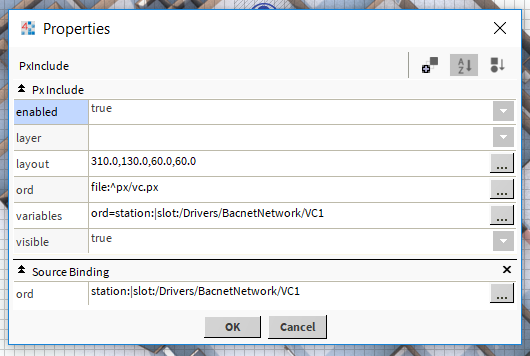
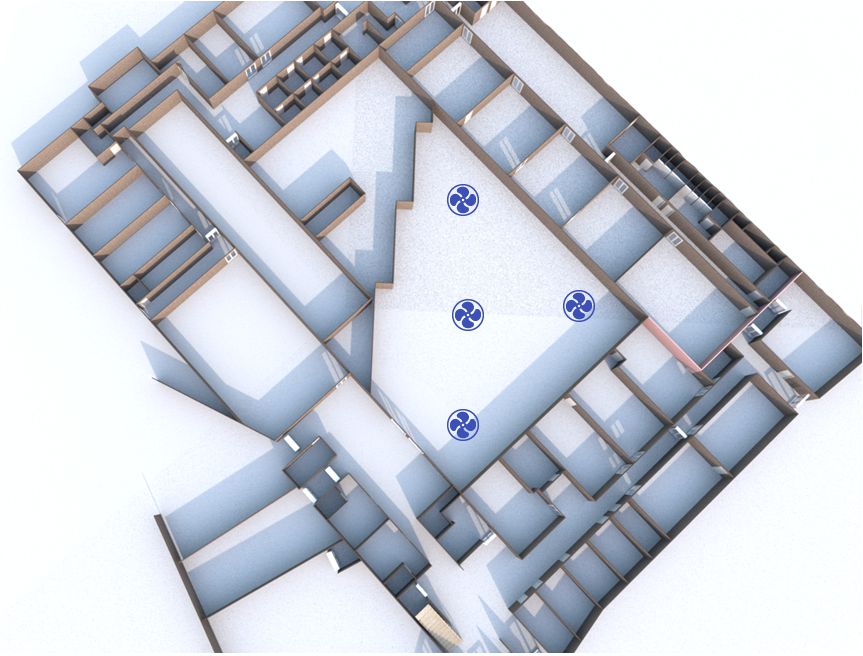
The NodeDrawer component needs some configuration to be operational.
Binding the px file:
To link the px file to the NodeDrawer component, add a Canvas Pane to the px.
Then add an Id Binding to the Canvas Pane.
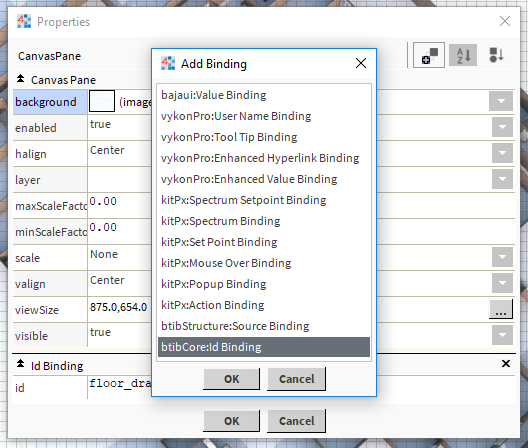
This id should be pasted in the NodeDrawer component. The Canvas Pane with the id will be defined as the root element to display in the NodeDrawer view.

Important: define the width and the height of the Canvas Pane to avoid displaying issues.
Adding sources
In order to get the SourceSelectionTag to work properly, you should bind your px widgets to their respective component such as a device, a point, a point folder etc. To do so, you will have to use a btibStructure:SourceBinding and set the ord to the respective component.
Important : each source has to be in the Canvas Pane with the Id Binding.
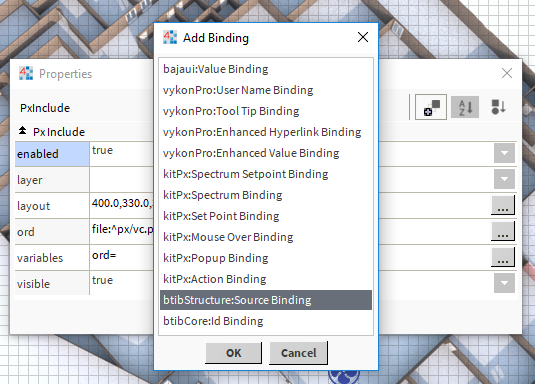
The Source binding has one property:
-
Ord : The ord path of the object in the station.