
Description
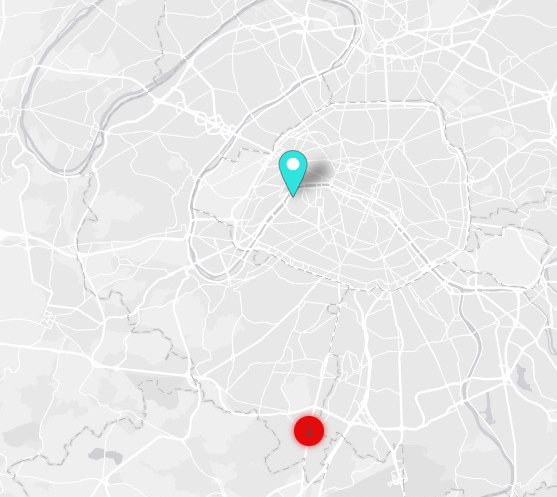
ClusterConf allows to provide custom colors for the clusters.
Implementation
-
Drag and drop the component into a MapLocationContainer of the station.
-
Ensure the MapLocationContainer parent has clustering enabled in its AdvancedConfig.
-
Enable your component.
-
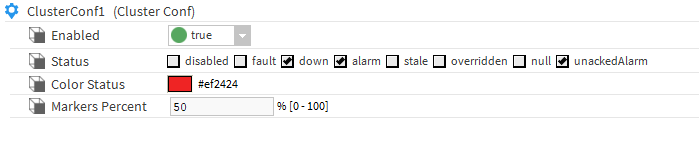
Choose a color.
-
Select the status the cluster will watch.
-
Choose the percentage of markers wanted.
The MapLocationContainer needs to be refreshed at each create, update or delete of a ClusterConf to be considered in the view.
Properties
-
Enabled: To enable the component.
-
Status: The status to watch into the cluster to display its color.
-
Color Status: The color of the cluster.
-
Marker Percent: The percentage of markers (with the selected satus) needed to display the color of the cluster. For example, with 50% settled, if a cluster has at least 50% of his markers with the selected status it will display the color of the ClusterConf.