
Description
This component defines adds a tooltip with a value to a marker in the map.
Implementation
-
Drag and drop the component into a MapAddress or a MapCoordinates in the station.
-
Enter the ord of the value you want to display, it has to be a NumericPoint.
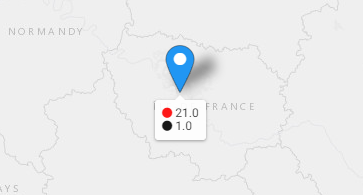
If you want to display multiple value, only one tooltip can be displayed per maker. Then the last marker value will be choosed for the position and the mode.
Properties
-
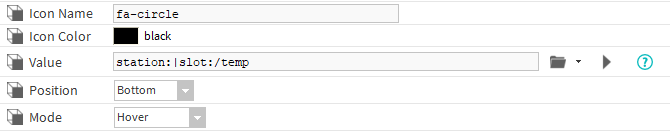
Icon Name: The name of the icon before the value, see http://fontawesome.io/cheatsheet
-
Icon Color: The color of the icon
-
Value: The ord of the value to display in real time (should resolve a component)
-
Position: The position of the tooltip.
-
Mode: The way to display the tooltip (always displayed or only on hover)