
Description
The Bso Project Importer allows you to fetch data for a Nature aspect from https://bso-project.org (it requires an Internet connection)
Implementation
-
Download the english or french version of the Nature Aspect below the page.
-
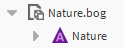
Open the bog file from your Workbench
-
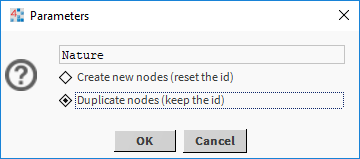
Copy the Nature Aspect into your station and choose "Duplicates nodes"
-
Then, click-right and initialize the Aspect (action -> initialize)
-
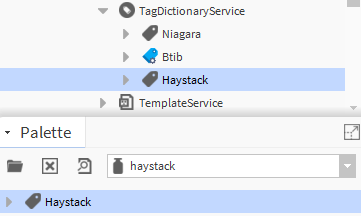
Open the Haystack palette and copy-paste the Haystack Service
-
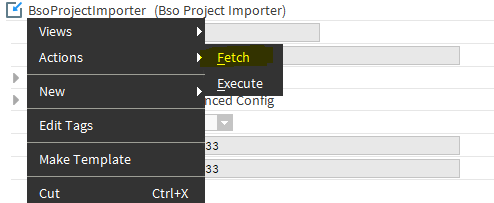
Then Open BsoProjectImporter click-right and launch the Fetch action to get the last version of Bso Project
-
Choose your language if you want something different than english
-
Then launch the Execute action to get the last Nodes.
-
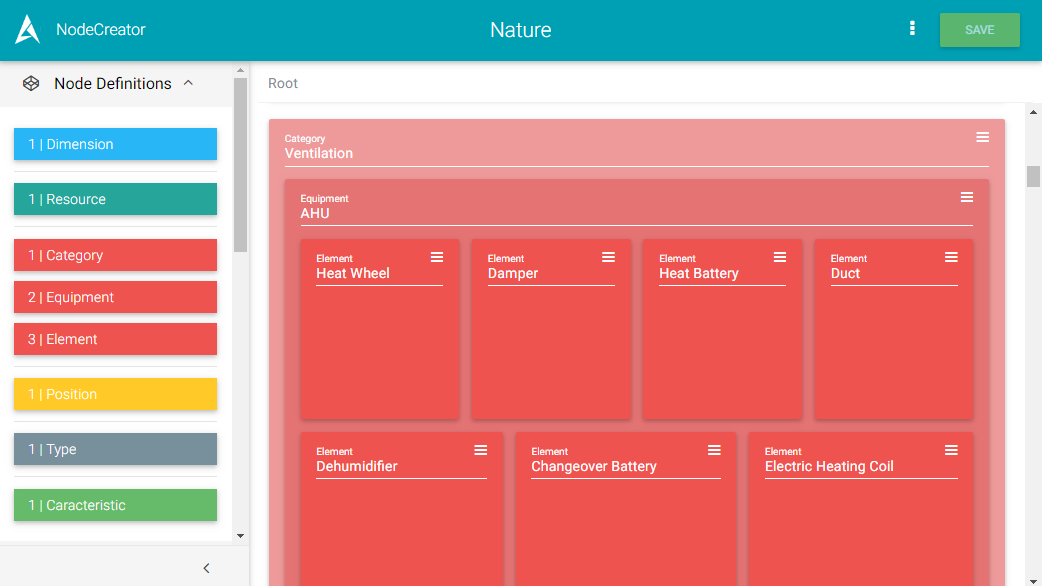
You might not see them right away in the NodeCreator, because the cache isn't refreshed yet automatically (that might changed someday). So you can launch the Refresh cache action on the Aspect
Properties
-
Status: Node status. Can be {ok}, {fault}, {disabled} or {null}. See the corresponding actions
-
FaultCause: Message that complements the state of the Node (generally used to explain the reason for an initialization failure).
-
LogExt : Allows the configuration of logs sending. See for more information.
-
Language : The list of available languages. The list can be updated using the action Fetch.
-
AvailableVersion : The last available version. This information is updated via the action Fetch.
-
CurrentVersion : The last current version downloaded by the importer. This is information is updated via the action Execute.
Propriétés de configuration avancée
-
ProjectId : The id of the project on Firestore (the database which stores the data). By default: hso-project
-
Definitions : It allows the creation of a mapping table between local NodeDefinition and the definitions from bso-project. You just need to fill the name of your local corresponding definition. The available definitions are updated via the action Fetch.
Actions
-
Fetch : Get the configuration of bso-project : the last version, the available languages and the available definitions.
-
Execute : Once the component is configured, launches the import of Nodes from bso-project.org in the station.
Resources
Unknown AttachmentNatureFr.bog