
Description
The OverCanvasPane is mainly used to create navigation buttons with enhanced graphic effects (change of the background on mouseover, shadow, rounded corners). OverCanvasPane is used to apply the effect via a fixed size object.
Workbench view:

On mouseover:

HX view:
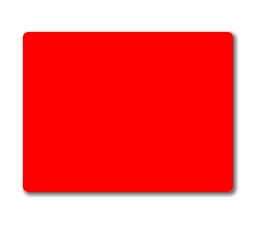
On mouseover:
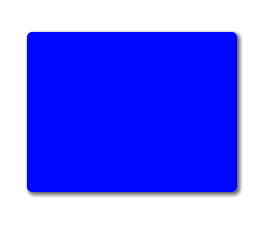
Implementation
-
Drag and drop the OverCanvasPane into a Px.
-
Define the graphical properties: Background and OverBackground for the mouseover, Radius for the rounded corners or Shadow for a shaded effect.
-
Add content to the pane (usually a label).
Management of the mouse events has the effect that the first binding encountered intercepts these events. This has two consequences in the context of this object: if you want to create a hyperlink on the entire object, it must be added to the root directly on the OverCanvasPane object.
Properties
-
Background: Pane background.
-
OverBackground: Background to display when moving mouse.
-
Radius: Rounds the angles of the pane (works only in Hx, not in the workbench).
-
Shadow: Adds a shadow around the pane (works only in Hx, not in the workbench).