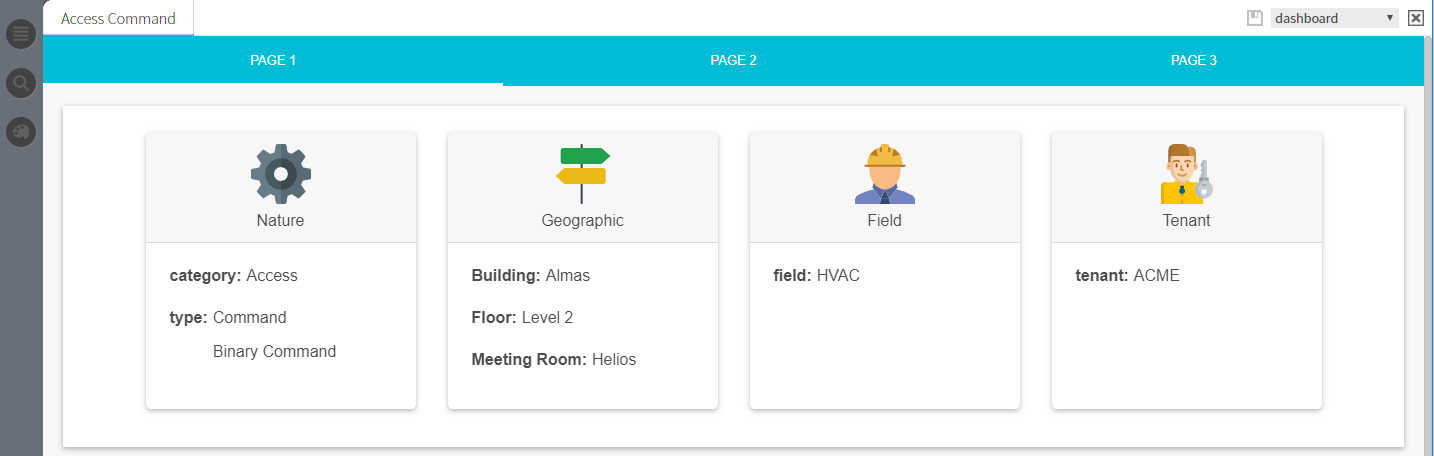
To hide the top settings bar and get a user view, you may create a specific category/role/user without rights on the Program Service.
Category
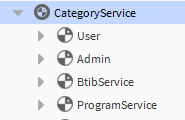
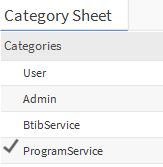
Create a category called "ProgramService". Go to the Program Service and assign the component to the category you just created
Role
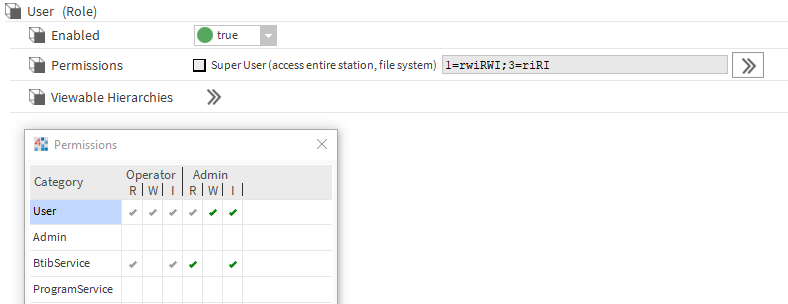
Create a dedicated role in the RoleService like "User" and give permissions to some categories except ProgramService.
User
Then create a user and give it the "User" role.
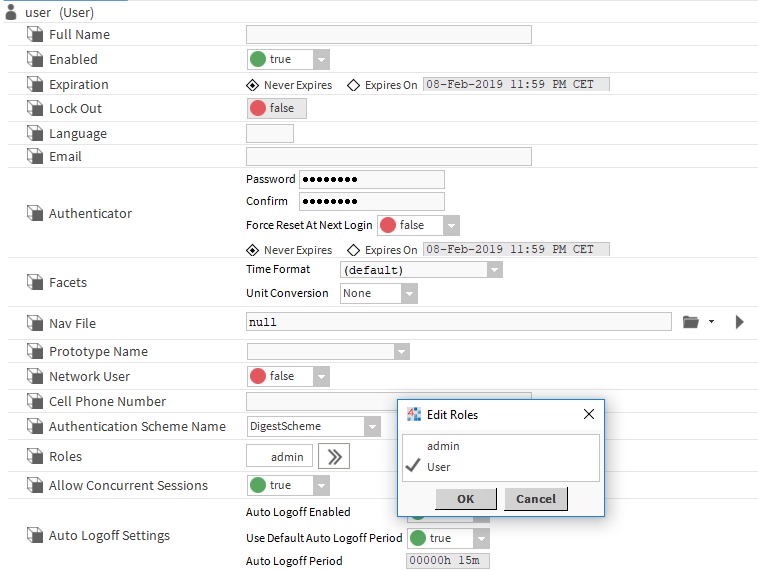
You can connect now with this user and enjoy the FlexView without the settings bar
With the user rights on the Program Service
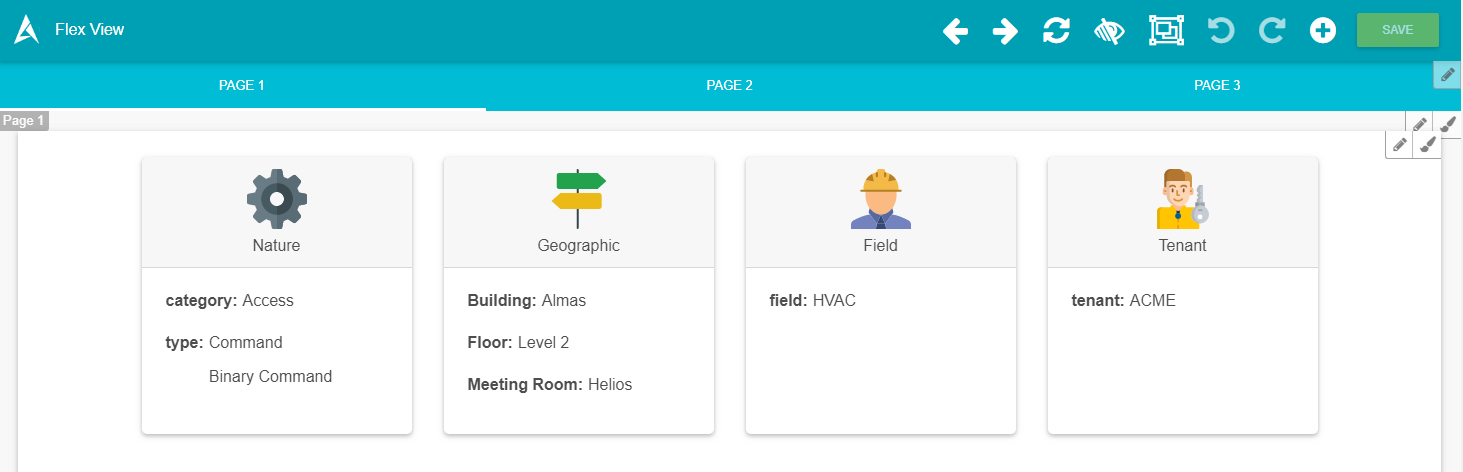
Without