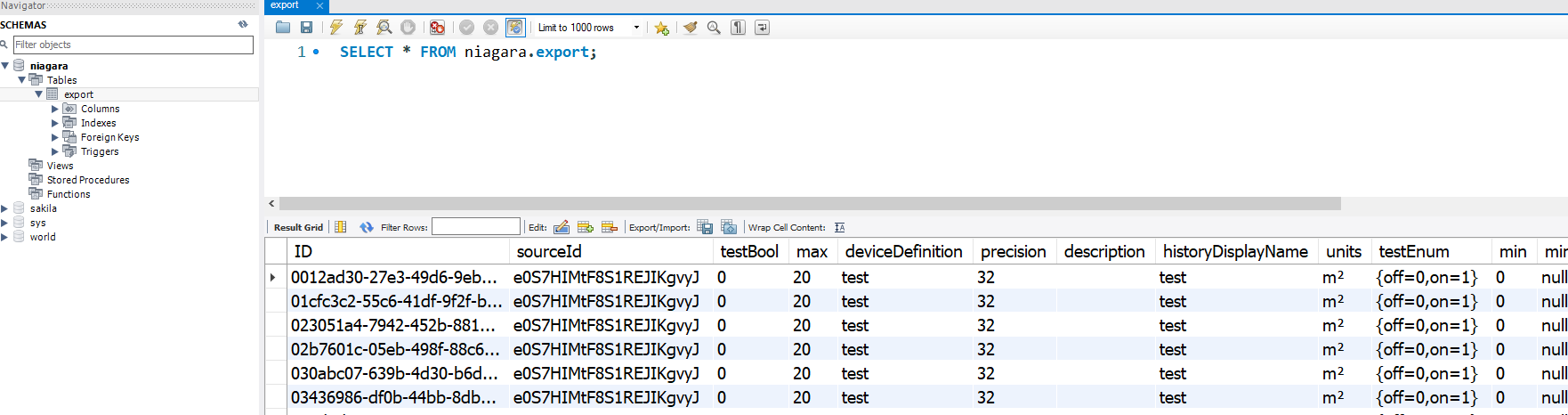
Export histories
-
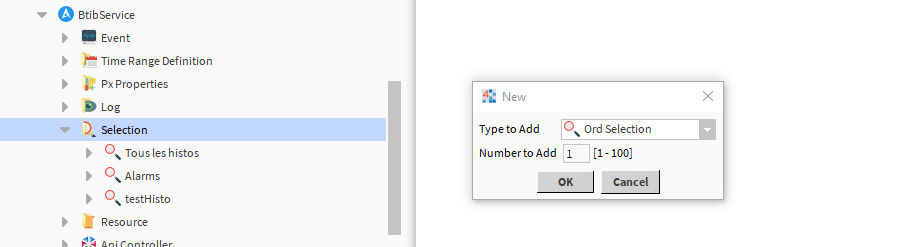
Go to the selection folder and create a new ord selection.
-
Fill the ord to select histories.

-
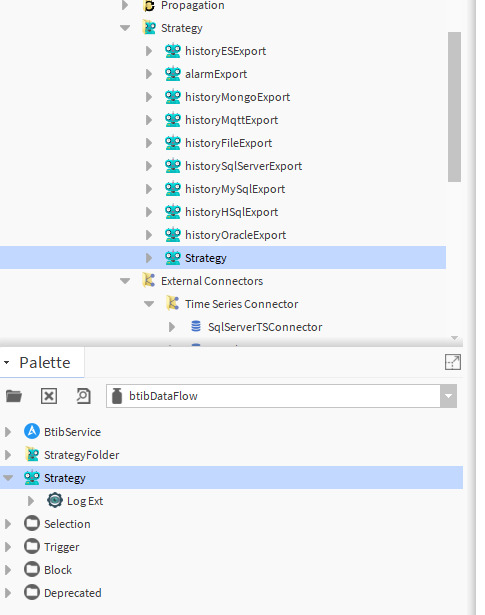
Go the the strategies folder and create a data flow strategy.
-
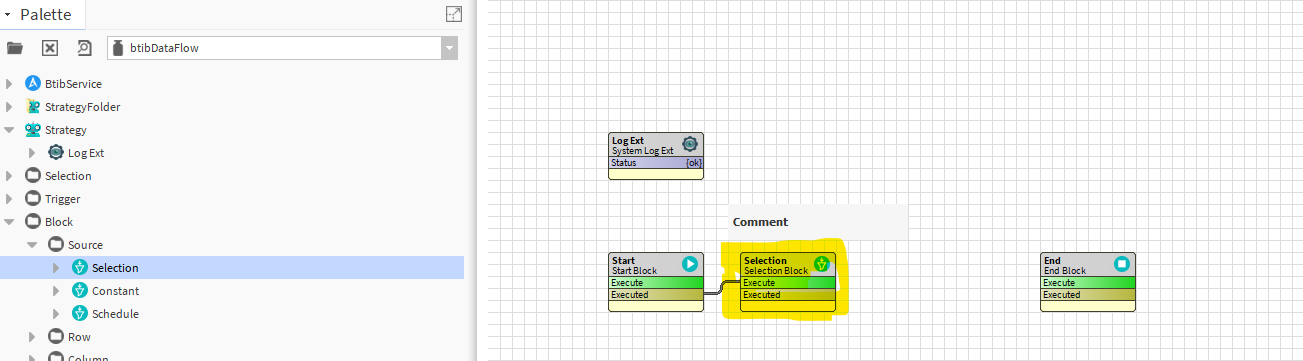
Add a selection block.
-
Then a trigger block.

-
And finally an SQL export block.

-
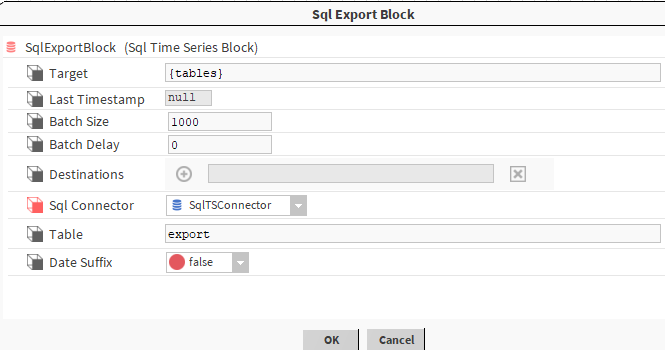
Configure the export block.
-
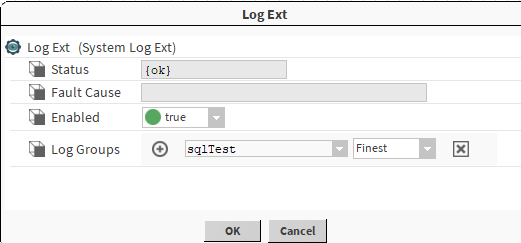
Enable the log ext.
-
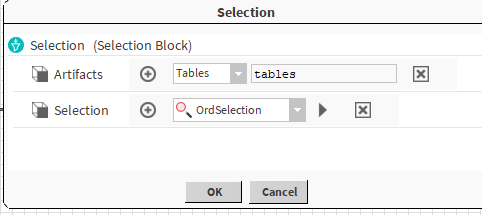
Choose the selection we created before.
-
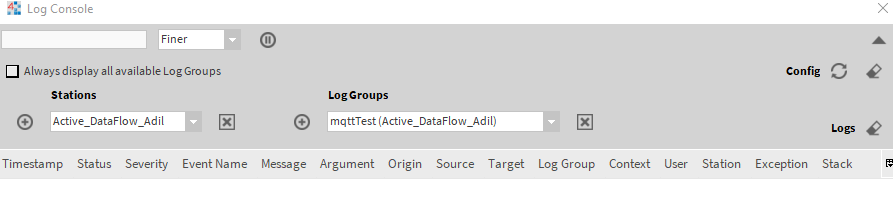
Open the logs console.
-
Then trigger the export.
-
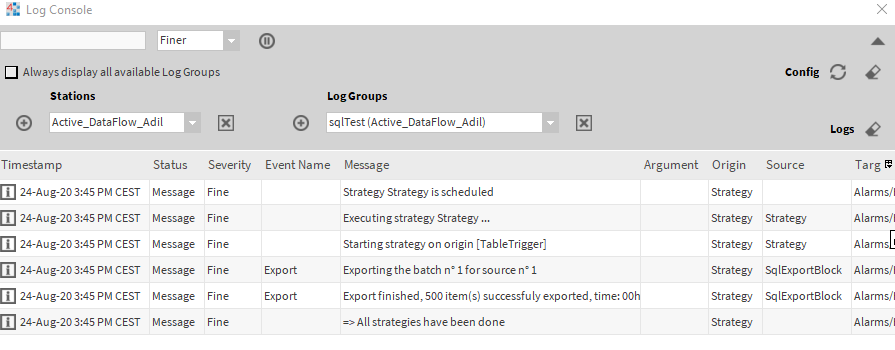
You should see the output on the console.
-
Now verify data on MySQL workbench.