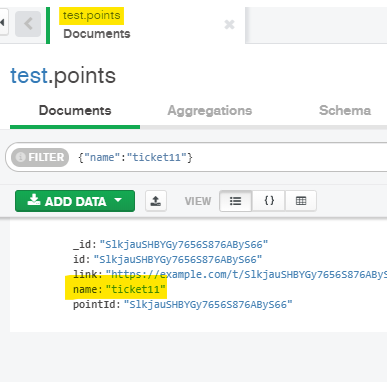
-
Open the Mongo Compass application. Then connect to the database.
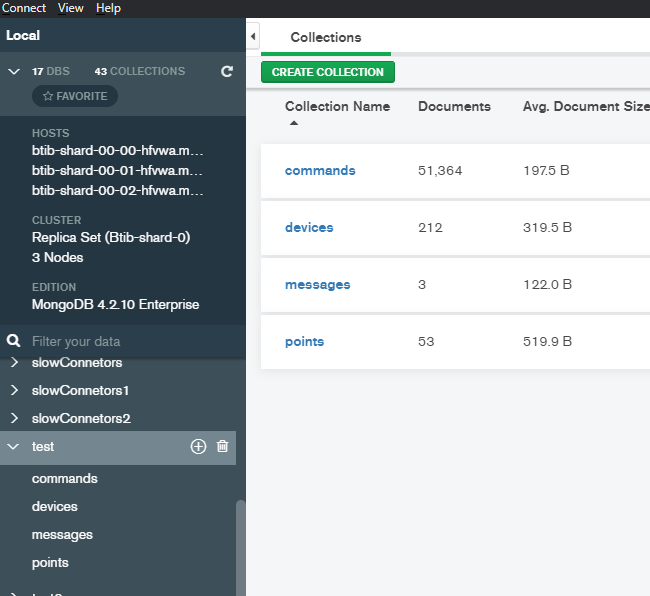
-
Go to your point and trigger a change.
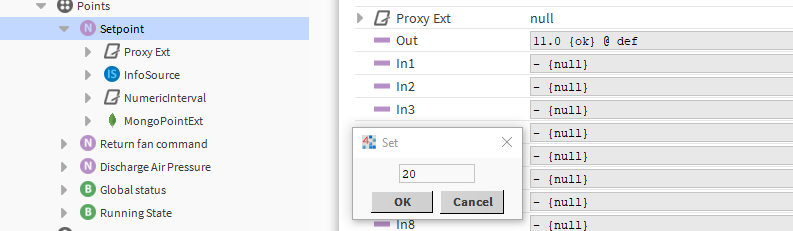
-
Go back to the application And voilà your messages is received!. to change the template go to the connector advanced settings.
-
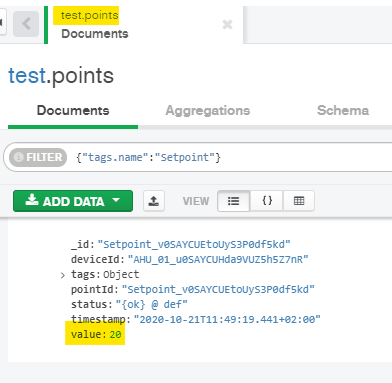
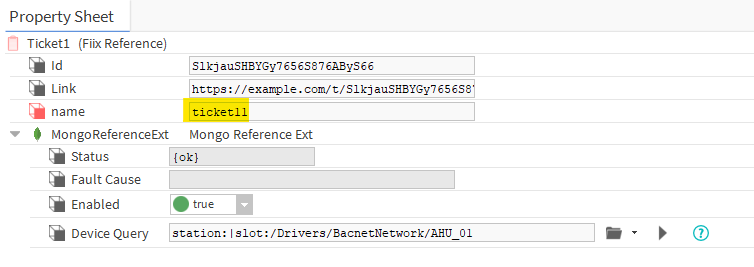
Now go to the reference and change a slot value.
-
You should see the new value in the database.