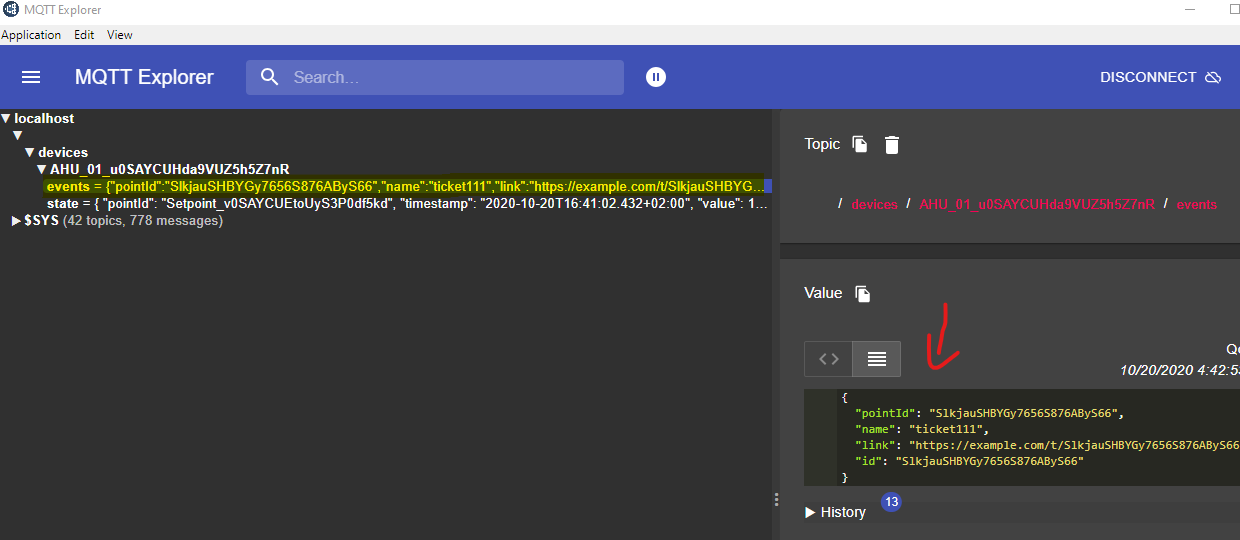
-
Open the MQTT Explorer application. Then connect to the broker.
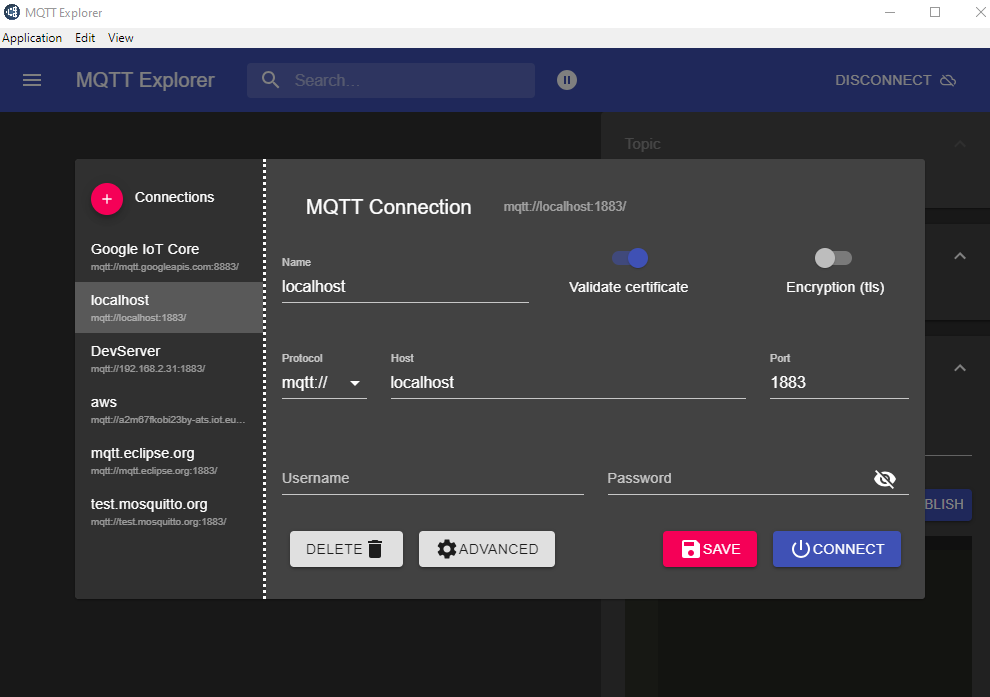
-
Go to your point and trigger a change.
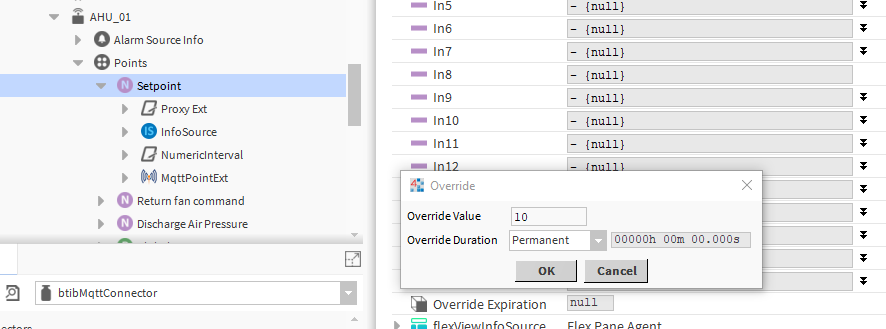
-
Go back to the application And voilà your messages is received!. note that we received 2 events (value change and status change). the body message is the same because by default the templates are the same, to change this go to the connector advanced settings.
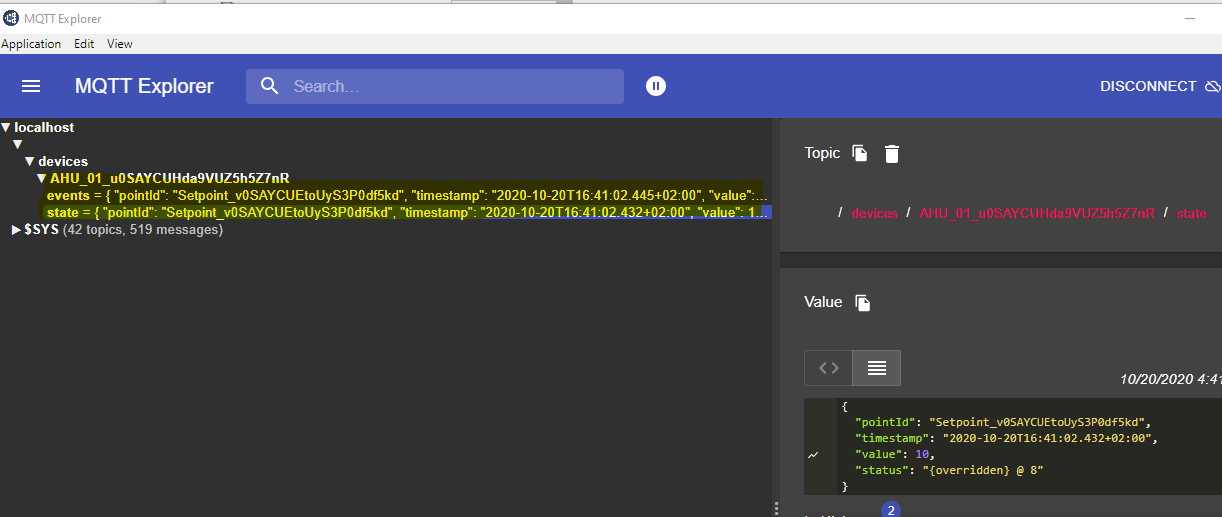
-
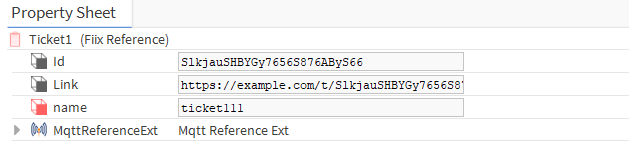
Now go to the reference and change a slot value.
-
You should see a new message sent and shown on the events subscription.