
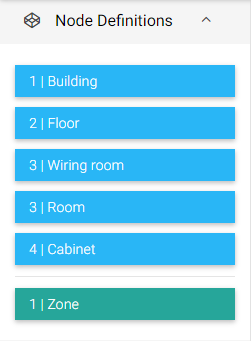
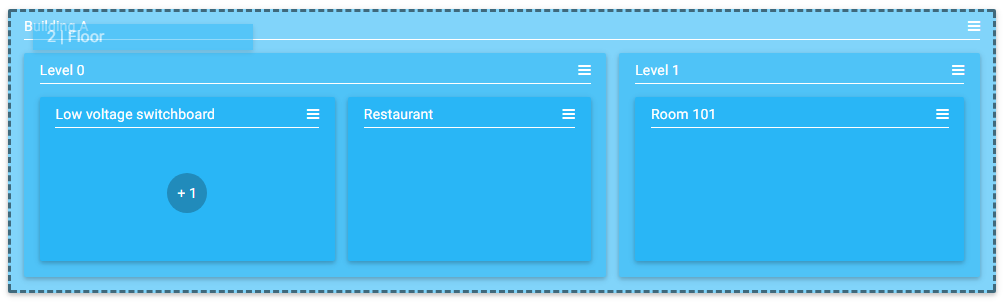
To create a Node, drag and drop a NodeDefinition from the left panel into an existing Node or into the white part of the Creation Zone (root). To know where to add the NodeDefinition, dotted lines are automatically drawn where the Node can be added. The addition of a Node in another Node actually depends on the NodeDefinitions template.
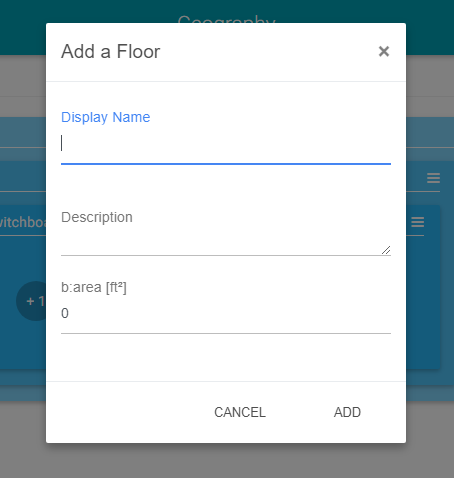
The NodeTags and NodeRelations that appear in the add window are defined in the corresponding NodeDefinition. (Floor in our example below).
Selecting the NodeDefinition Floor
Dragging and dropping the Floor definition into building A to create a new floor
Editing the NodeTags of the Floor definition
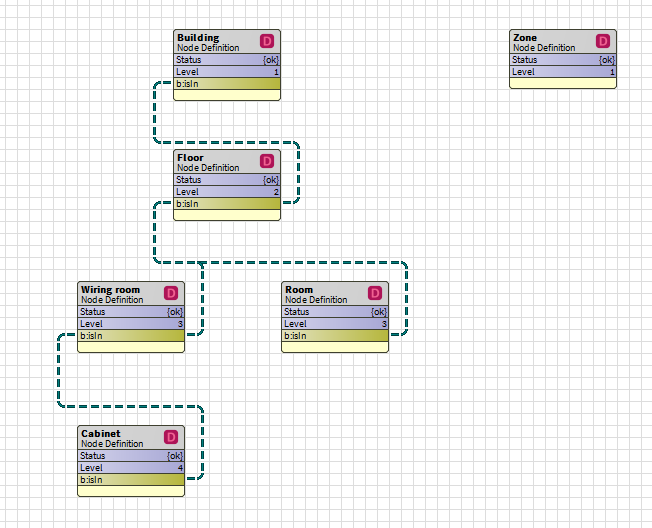
In the example below, it is defined that "Wiring rooms" and "Rooms" are only in floors via the isln relation. The same goes for "cabinets" in "wiring rooms". Idem for "floors" in "buildings". Finally the Zones are independent.
|
NodeDefinition |
Nodes in which drag-and-drop is possible in relation to the above example |
|---|---|
|
Building |
Root |
|
Floor |
Building A |
|
Wiring room |
Ground Floor, Level 1, Basement |
|
Room |
Ground Floor, Level 1, Basement |
|
Cabinet |
Low voltage switch board |
|
Zone |
Root |