
Download MongoDB
To download MongoDB we recommend the official website.
-
Open the link https://www.mongodb.com/try/download/community.
-
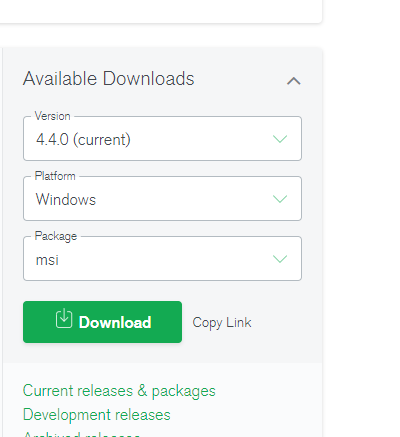
Choose the version for your OS. in my case is windows.
-
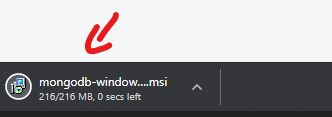
A msi file will be downloaded.
Install MongoDB
-
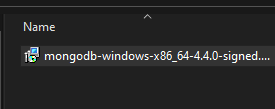
After it finishes, Go to the download folder then run the setup file.
-
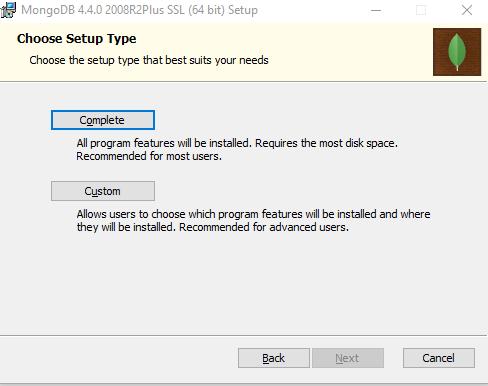
Then next, choose complete installation then next.
-
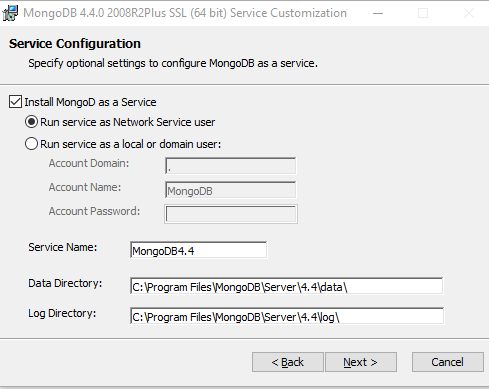
Configure the service, then next.
-
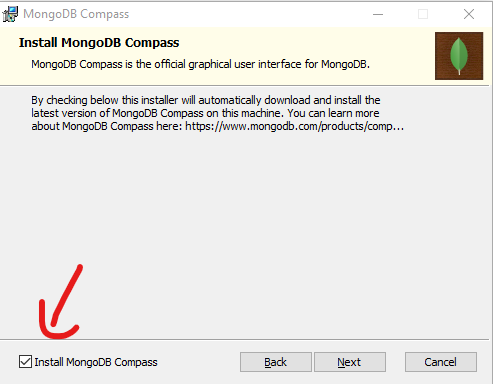
Check install compass, then next.
-
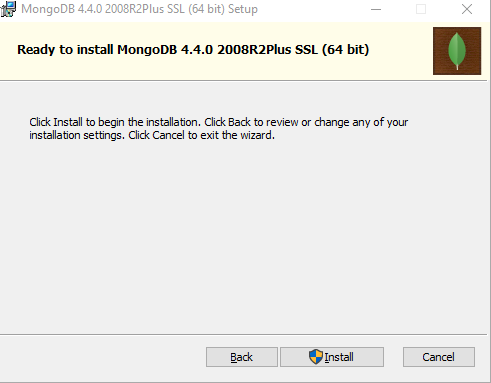
Then install.
-
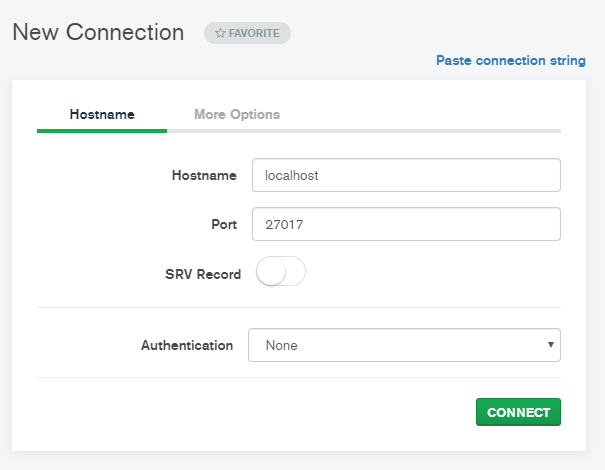
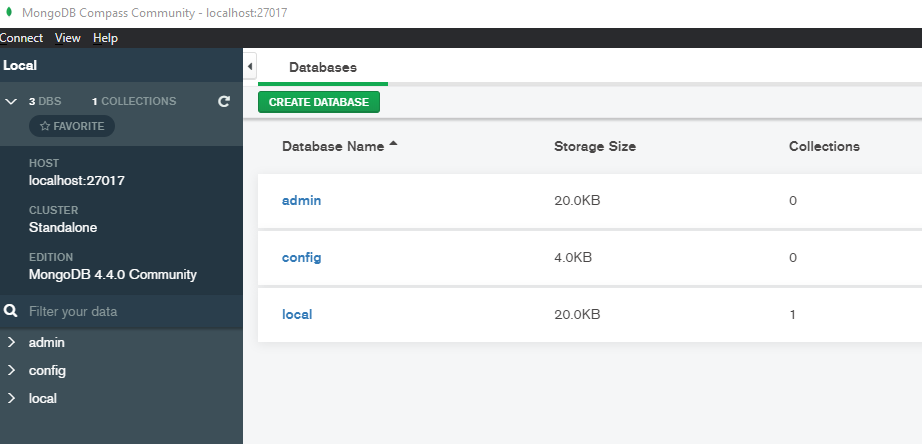
Open mongo compass and check the connection to the local mongo instance.
-
You should see this.
Next
Step 2 Setup the mongo timeseries connector