
After MongoDB successful setup now we will setup the time series connector to point to this instance.
Setup the connector
-
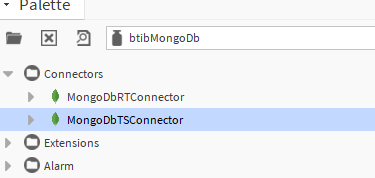
Go to the btibMongoDB palette.
-
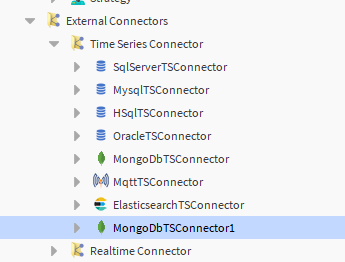
Drag and drop the connector in the BtibService → External Connectors → Time Series Connectors folder.
-
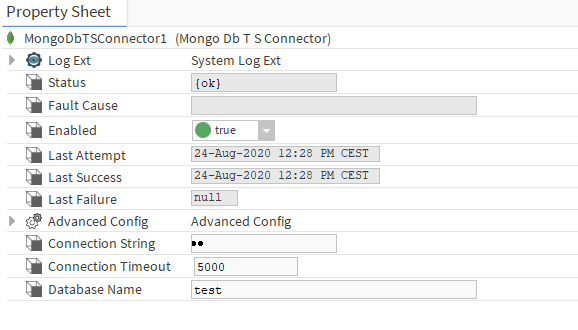
Double click add the connection string (mongodb://localhost:27017/?readPreference=primary&appname=MongoDB%20Compass%20Community&ssl=false)
-
Database name and enable the connector.
-
You should see an OK status if not verify the connection string.