
MQTT is based on clients communicating with a server, often called a "broker". A client may be either a publisher of information or a subscriber. Each client can connect to the broker.

Set up a broker
The MQTT connector works with any supported MQTT broker.
Setup mosquitto server on windows
-
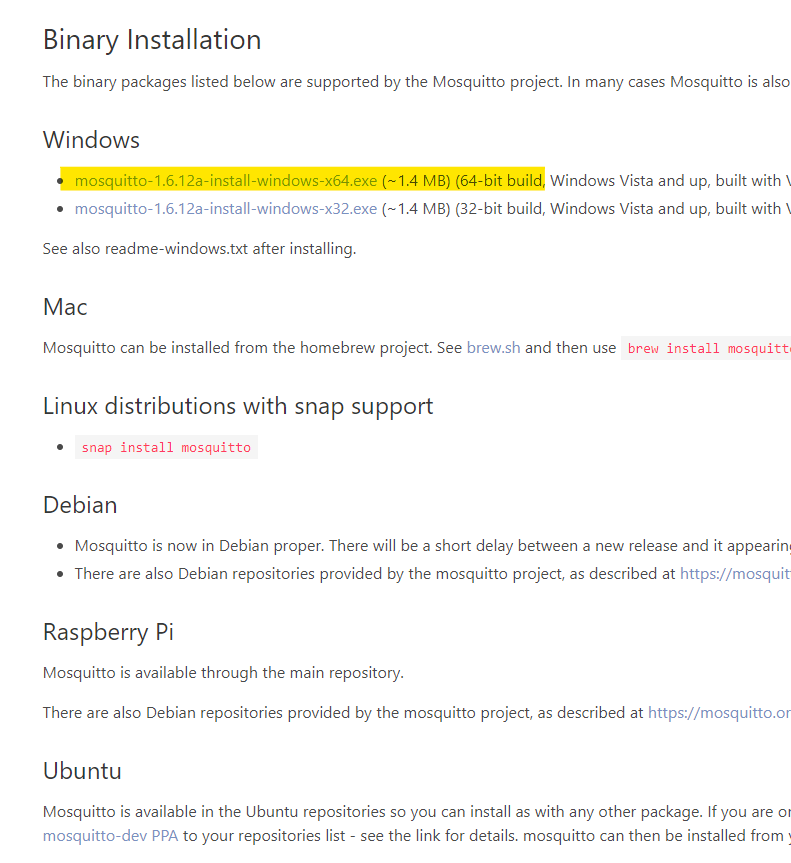
Download mosquito from the official website https://mosquitto.org/download/
-
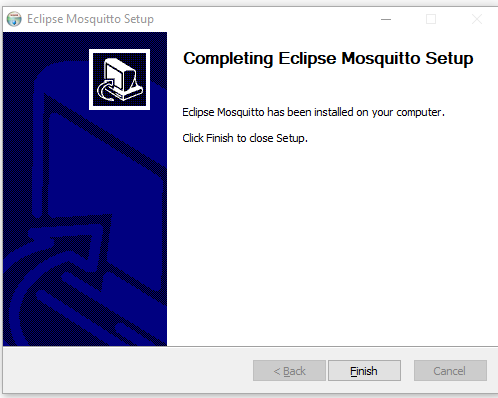
Install the server.
-
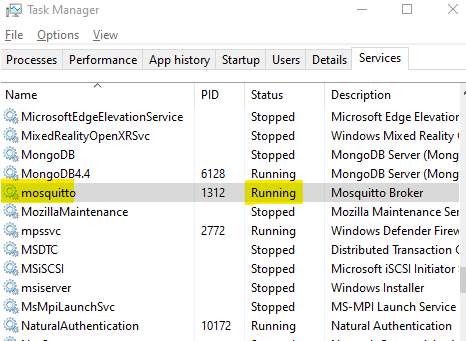
Go to the task manager → services and make sure that the service is running.
Set up the client application
To be able to see messages sent by Niagara through the broker you will need another client. You can use this application https://mqtt-explorer.com/
(Or you can use your own application)
-
Download the application and launch the exe if you're running Windows.
-
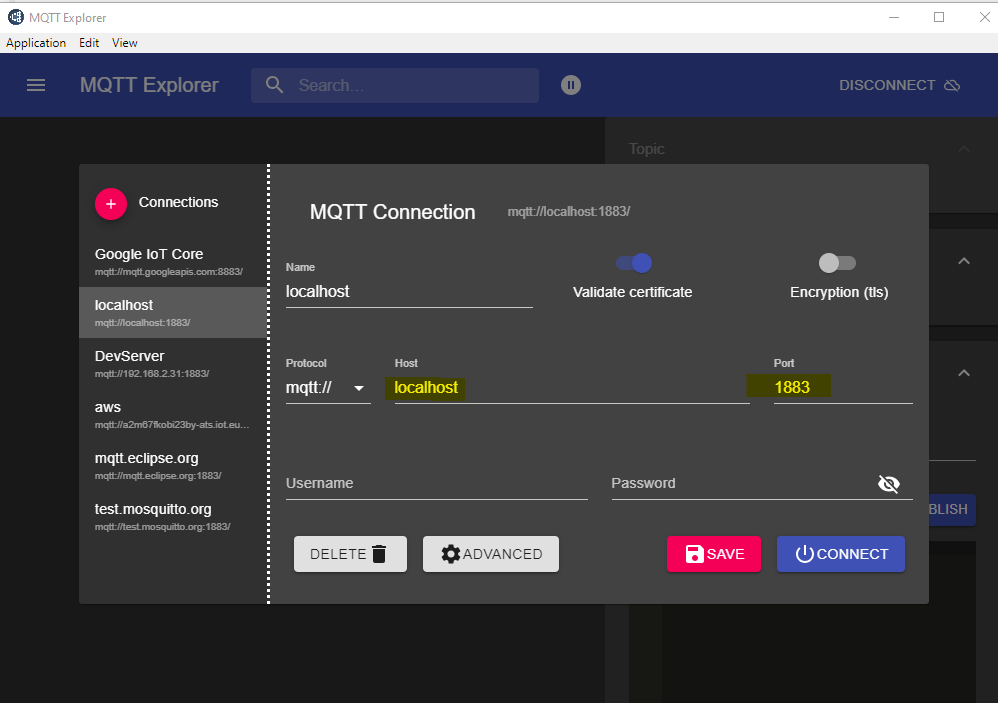
Open the app choose localhost and the port then connect.
Next Step
Step 2 Set up the MQTT connector for devices, points and references