
Download MySQL server
To download the mysql server we recommend the official website.
-
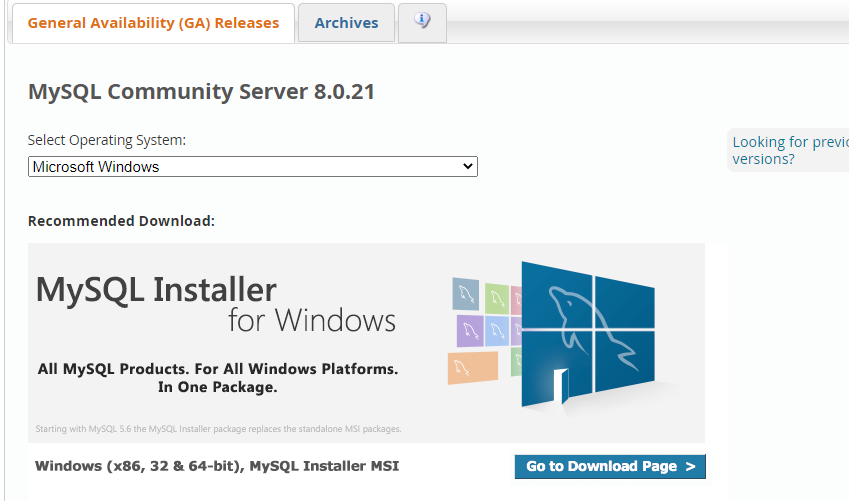
Open the link https://dev.mysql.com/downloads/mysql/.
-
Choose the version for your OS. in my case is windows.
-
A msi file will be downloaded.
Install MySQL
-
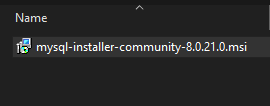
After it finishes, Go to the download folder then run the setup file.
-
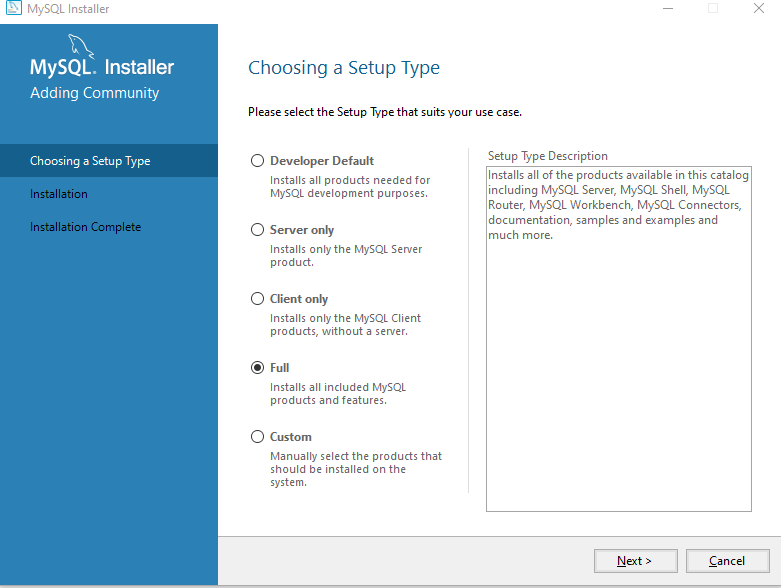
Choose full, then next.
-
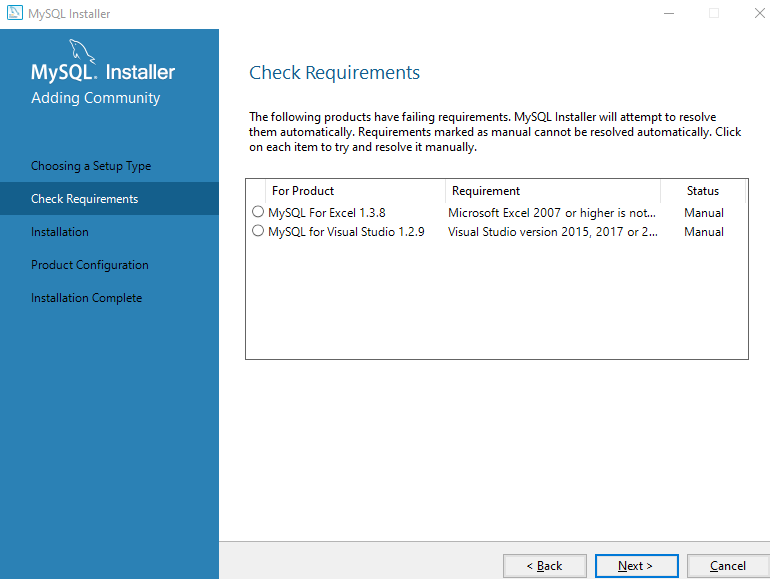
then next.
-
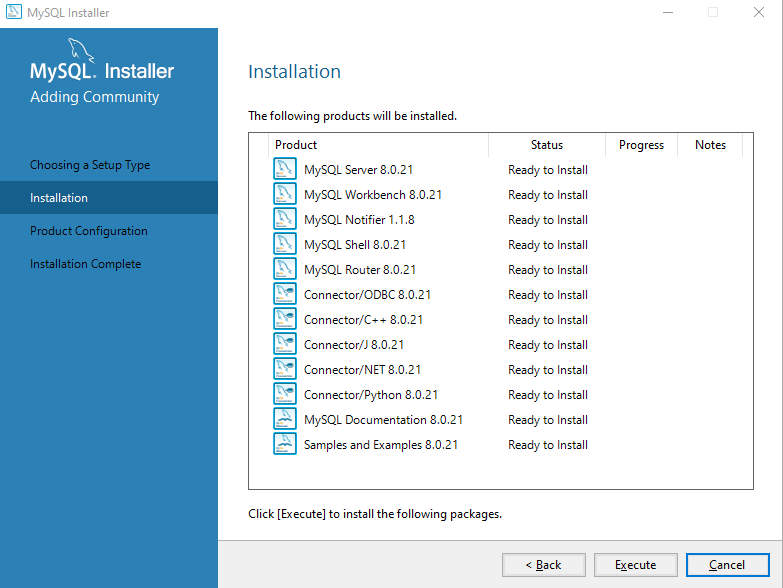
Then next.
-
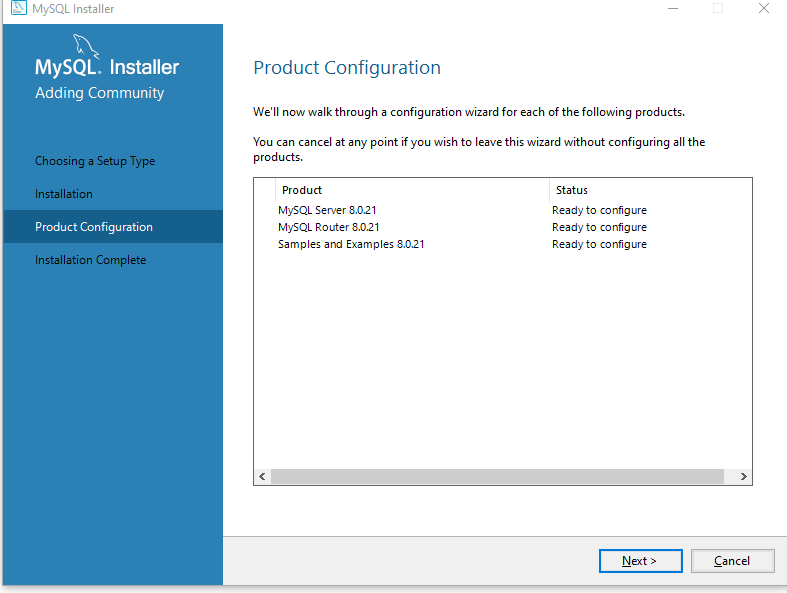
Wait for the installation then next.
-
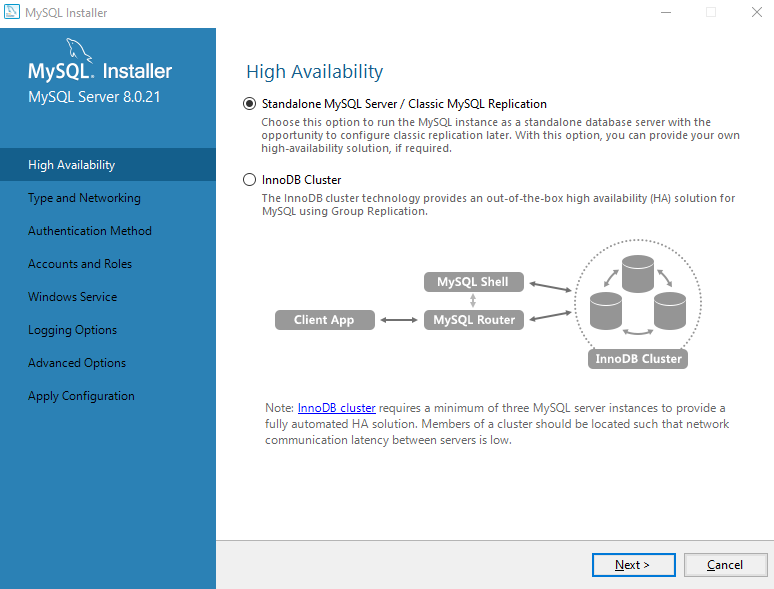
Standalone the next.
-
Leave default, then next.
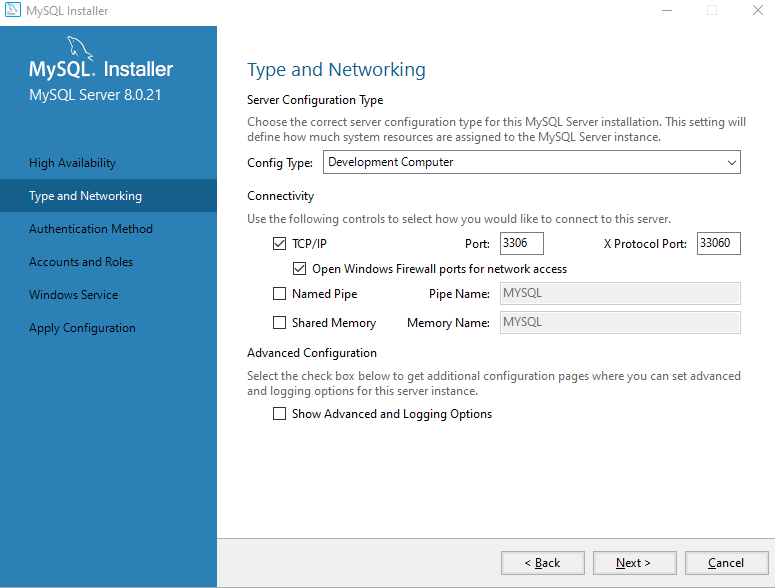
-
Default, Then next.
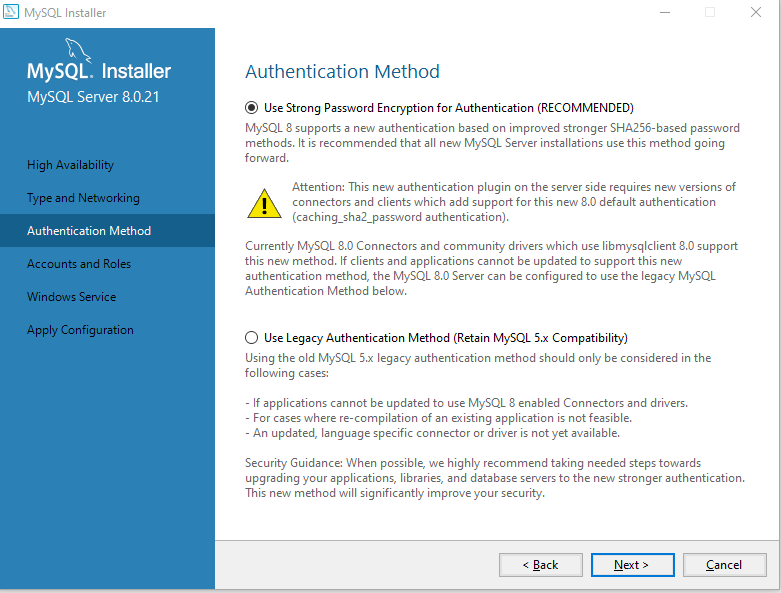
-
Set the root password, then next.
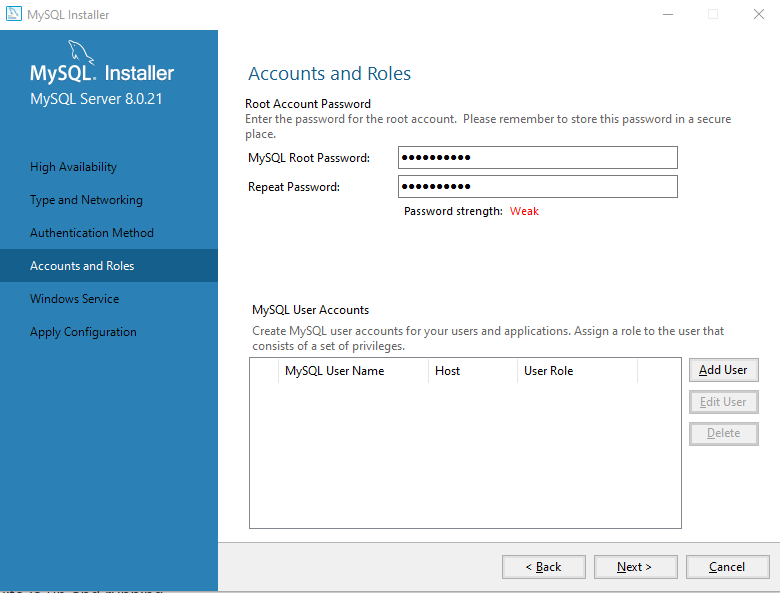
-
Leave default, then next.
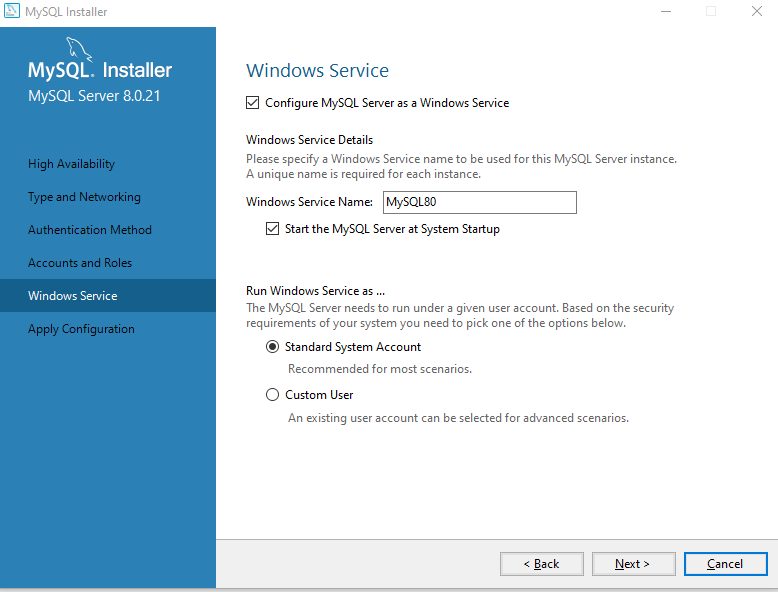
-
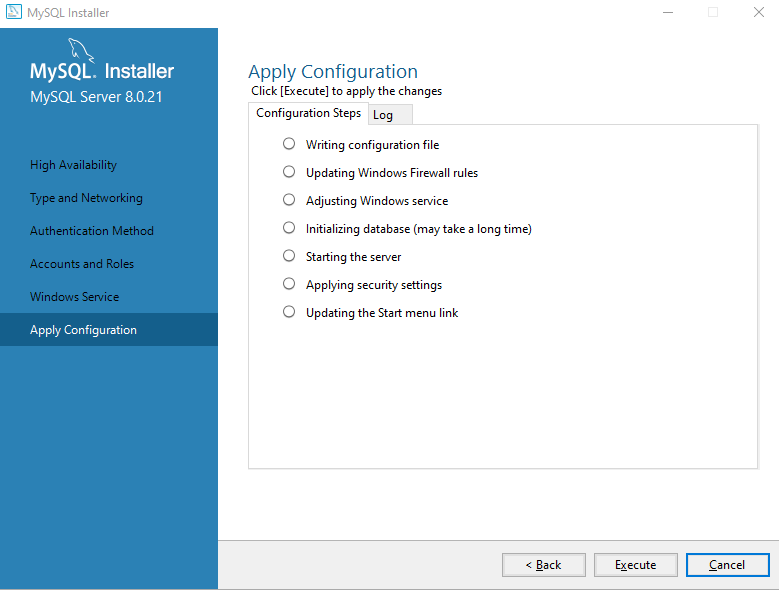
Then Execute.
-
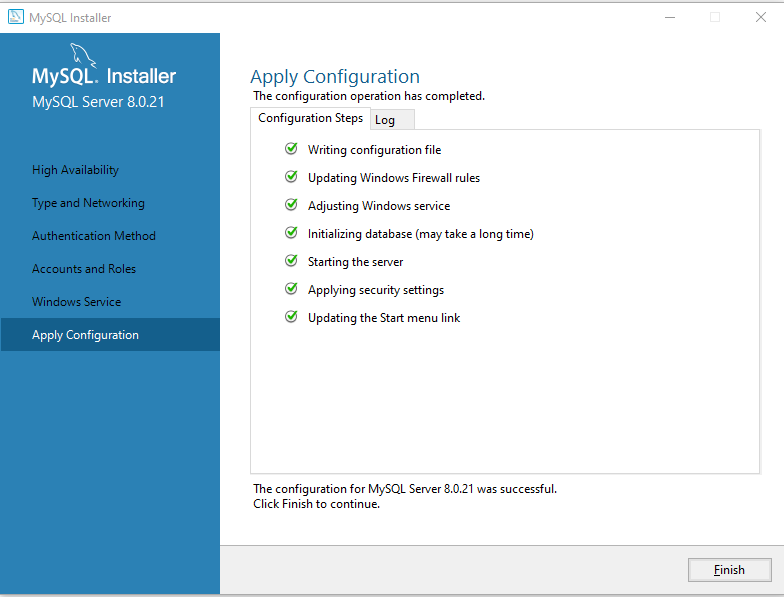
Then finish.
-
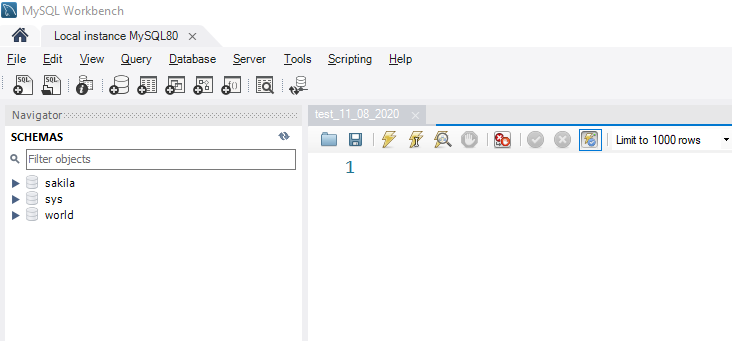
Open the Mysql Workbench and verify the connection.
-
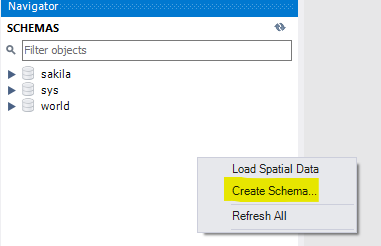
Create a database to use later.
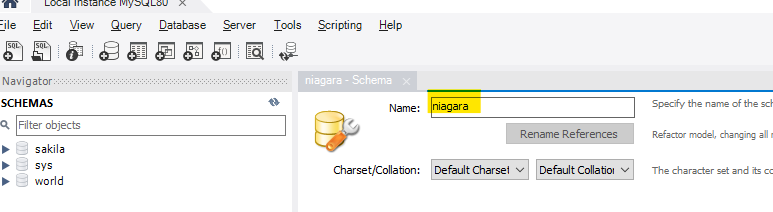
Next
Step 2 Setup the SQL Timeseries Connector