
After MySQL successful setup now we will setup the time series connector to point to this instance.
Setup the connector
-
Download the JDBC driver for MySQL from here, you can find it also in the MySQL web site.
-
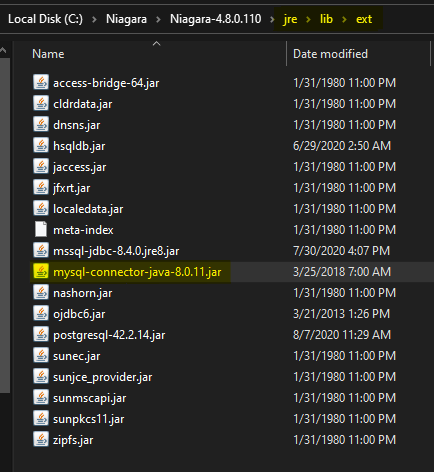
Add the JDBC driver to your niagara installation in
<Niagara Installation>\jre\lib\ext.
-
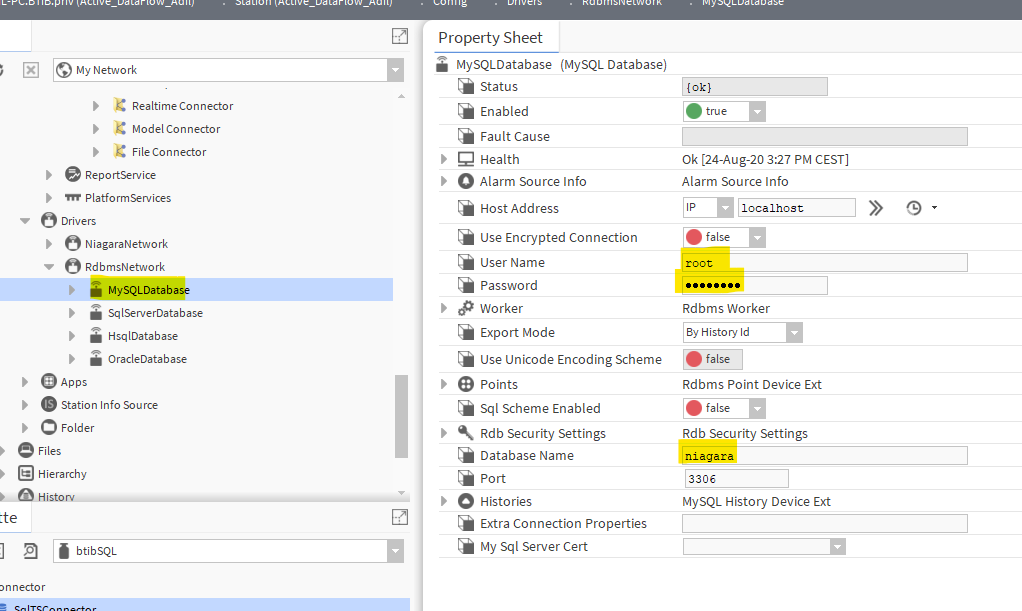
Setup the niagara rdbms driver.
-
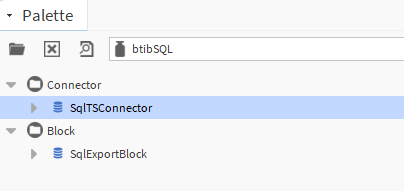
Go to the btibSQL palette.
-
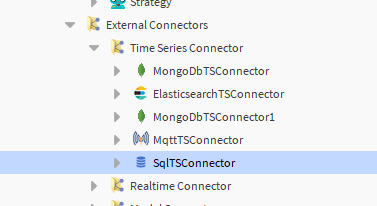
Drag and drop the connector in the BtibService → External Connectors → Time Series Connectors folder.
-
Double click chose the database device and the database name.
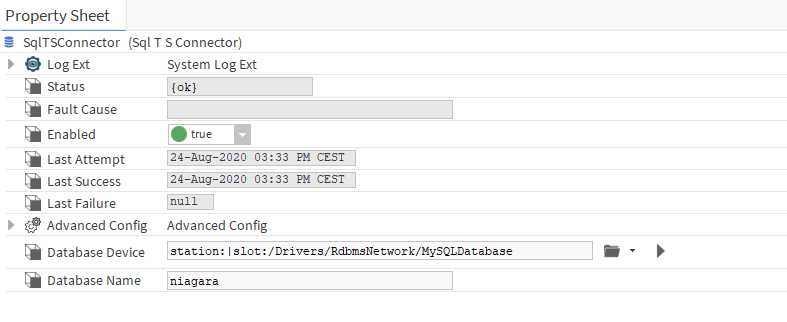
-
You should see an OK status.