It is possible to add properties to nodes during their creation and modify them via NodeTags and NodeRelations.
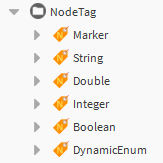
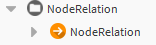
NodeTags and NodeRelations must be added directly to the NodeDefinitions.
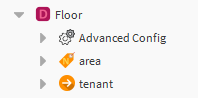
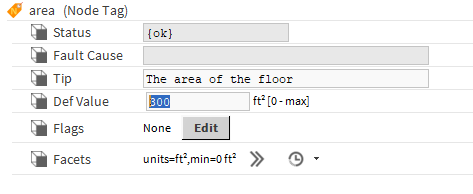
In the example below, one NodeTag "area" has been added. A "tenant" NodeRelation has also been added.
In the NodeTags, it is possible to fill in the "tip" field (tooltip displayed during a mouseover on the associated field in the NodeCreator). The default value must be specified and Facets can be added. It is also necessary to initialize the NodeTags and NodeRelations.
Examples of NodeTag and NodeRelation
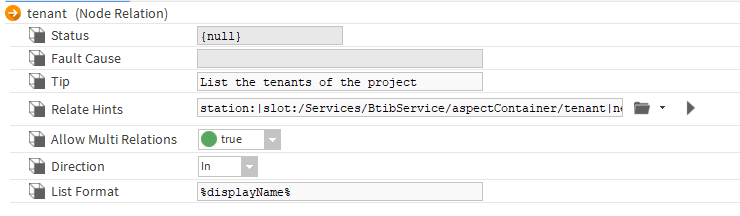
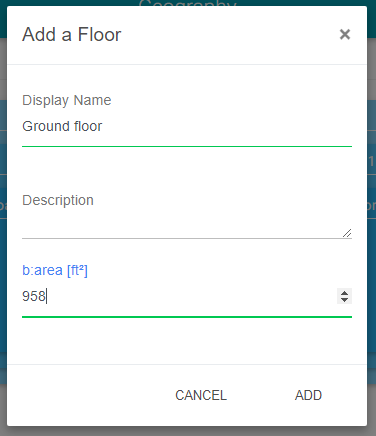
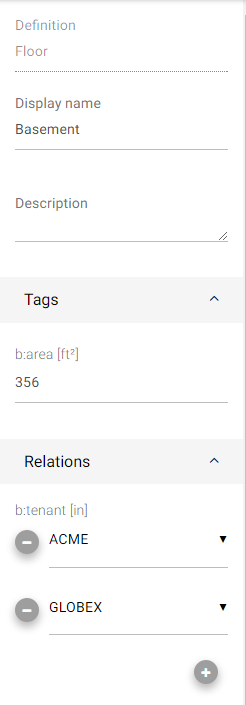
When a new floor is created in the example below, the NodeTags and NodeRelations will be presented in the add popup and then in the editing panel. (NodeRelations are planned to be integrated in the popup later)