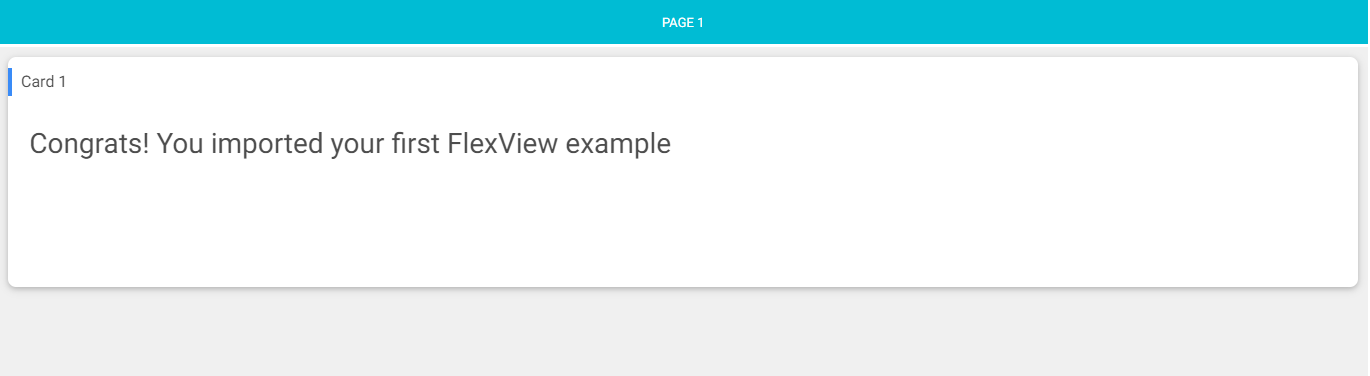
On this documentation, you will find plenty of examples to import in your station to save you some time or just to inspire you. How do you integrate them to your own station?
Let's take this one below:
-
Download the file on your computer
-
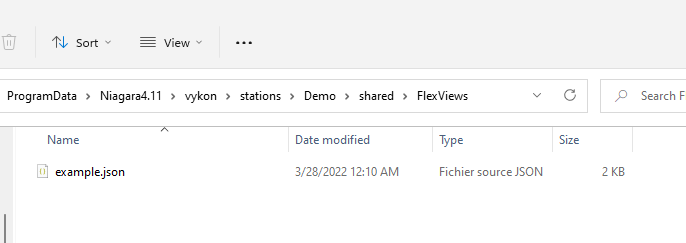
Copy Paste the file to your station files wherever you want in your shared folder. We created a "FlexViews" folder below
-
Now create a component or use an existing one in your station
-
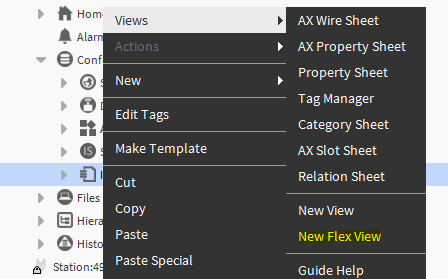
Click right > views >New Flex View
-
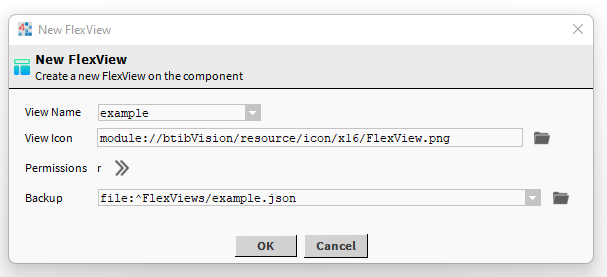
Give a name to the view (this is going to be the slot name in the station not the file name)
-
Then locate your json file
-
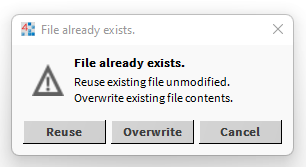
Hit "Reuse"
-
And it's done!
-
Now you can edit the view and play with it