
A menu allows you to navigate between pages.
There are 2 ways of creating a menu:
-
Use the add menu in the settings bar (at the top)
-
Drag&drop a card from the btibVision palette (among the list)
Properties
Flex Widget Properties:
-
Flex Widget: The Id of the Flex Widget to use
-
The specific Flex Widget properties depending on the model of menu
Design:
-
Height: The height of the menu in px.
Advanced:
-
Display: Defines if the Menu is hidden or not. Expect A SFormat condition.
Add a Menu
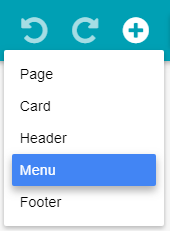
Click on Add button then Menu.
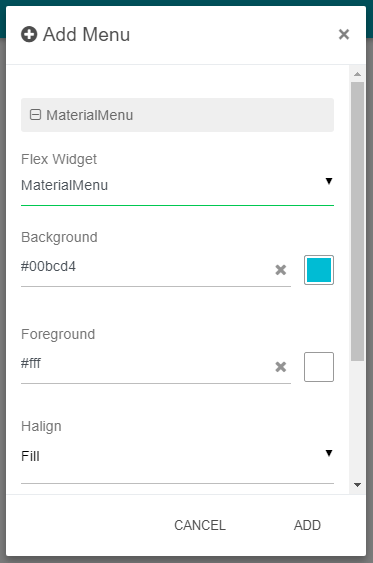
Fill in the modal that opened the required fields then click on Add.
Edit a Menu
Click on Edit button on the top right of the Menu.
You can add extra CSS in the design section of the header.
Delete a Menu
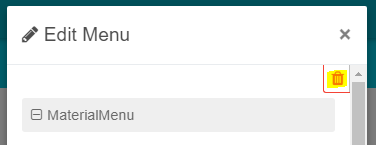
Open the Edit modal of the Menu and click on the Delete button on the right top of the modal.
Then click on Yes in the confirmation modal.