
After elasticsearch successful setup now we will setup the time series connector to point to this instance.
Setup the connector
-
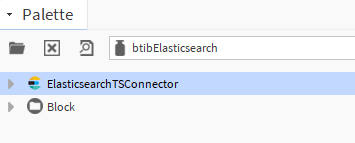
Go to the btibElasticsearch palette.
-
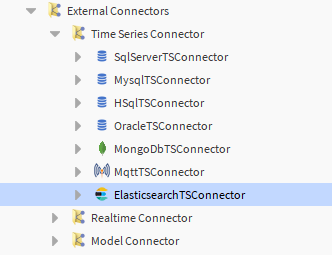
Drag and drop the connector in the BtibService → External Connectors → Time Series Connectors folder.
-
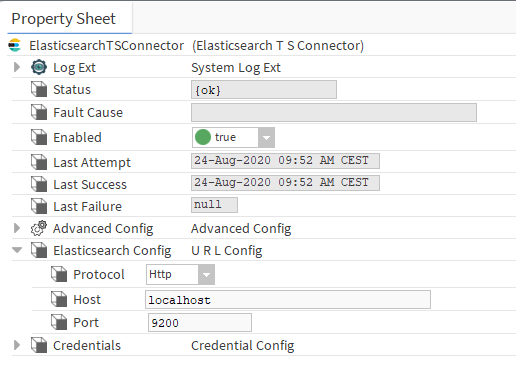
Configure the connector, it should look like this
-
Enable the connector.
-
You should see an OK status if not verify the host, the port and the credentials inputs.
Next
Step 3 Export data to Elasticsearch