
Download Elasticsearch
To download elasticsearch we recommend the official website.
-
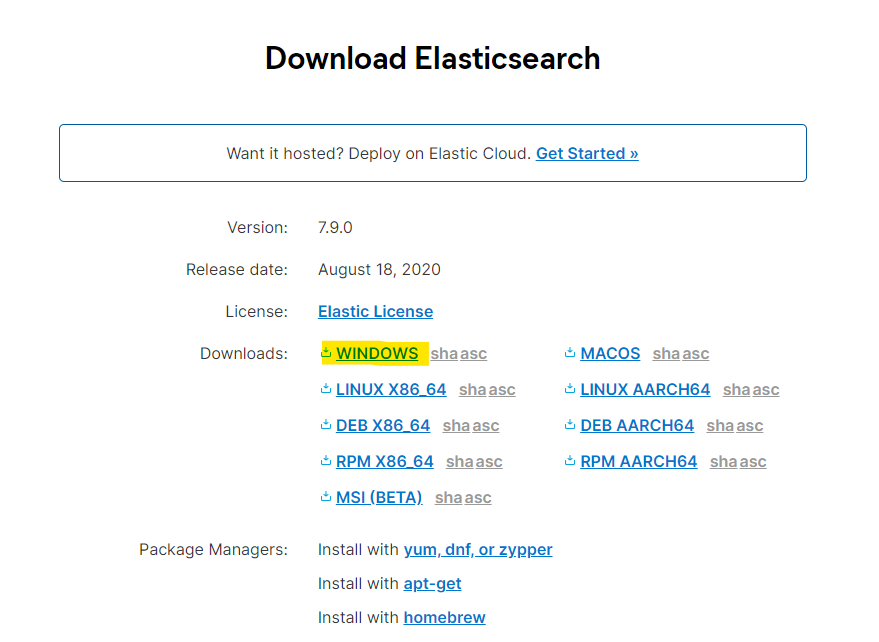
Open the link https://www.elastic.co/downloads/elasticsearch.
-
Choose the version for your OS. in my case is windows.
-
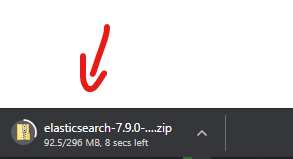
A zip file will be downloaded.
Run Elasticsearch
-
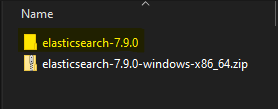
After it finishes, Go to the download folder then extract the zip.
-
Move the downloaded file into
C:\folder. -
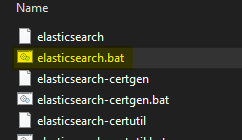
Go to the bin folder and run the
elasticsearch.bat(on windows).
-
The console will display a password for the "elastic" user (only displayed on the first run). Save it we will need it.
-
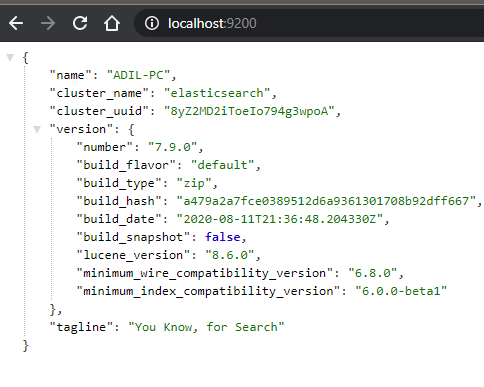
Now elasticsearch is running, go to https://localhost:9200, log in using the "elastic" user and the password from the previous step. You should see a response similar to this one.
Next
Step 2 Setup the elasticsearch timeseries connector