
Before starting using IoTHub Connector you will have to create an Azure Account. you can follow the instructions with this link : https://azure.microsoft.com/en-in/free/
Test 14.0
Cloud Setup
-
Create an IoTHub Service on your Azure Account
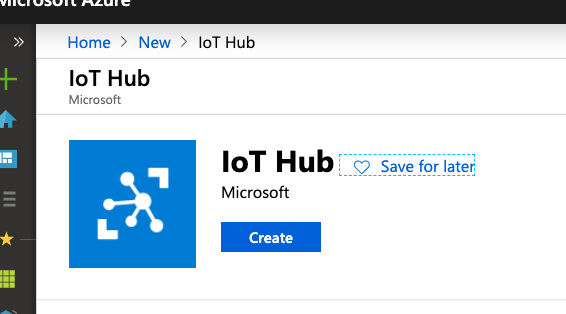
-
Go to Shared Access policies
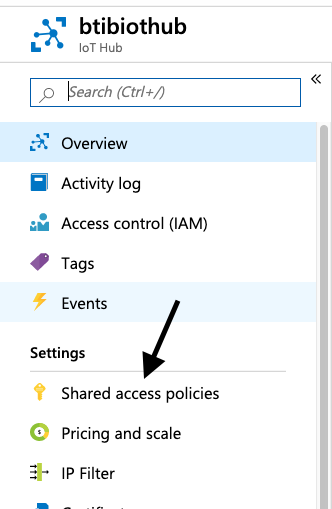
-
Click on iothubowner
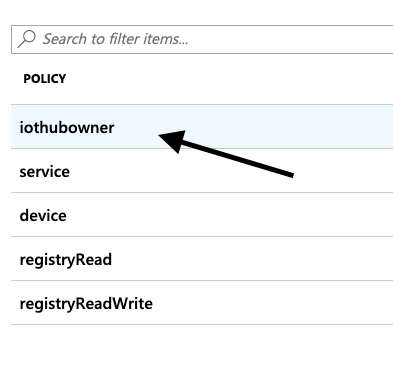
-
On the right, copy your Connection string—primary key
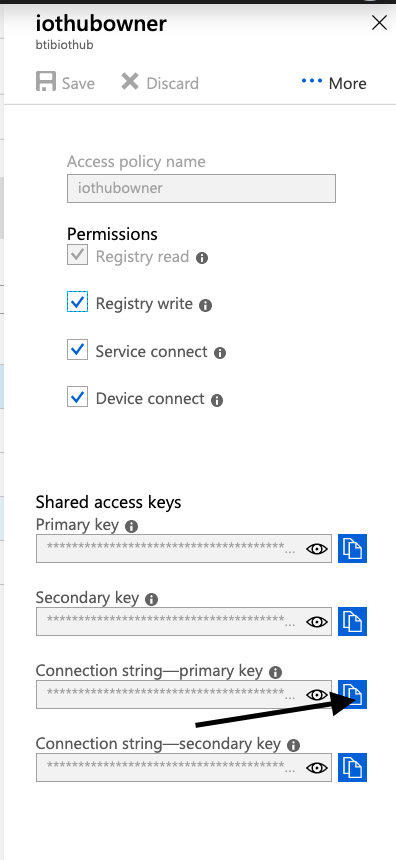
Now you have the authentication string which we will use it in the next step.
Next Step
Step 2 Set up IoTHub connector for devices, points and references