
Before starting to use the MongoDb Connector you have to set up a MongoDB instance and create a new database.
There are two main possibilities:
-
Use a local MongoDb instance. You can install it on your computer or anywhere. Go to the MongoDb documentation.
-
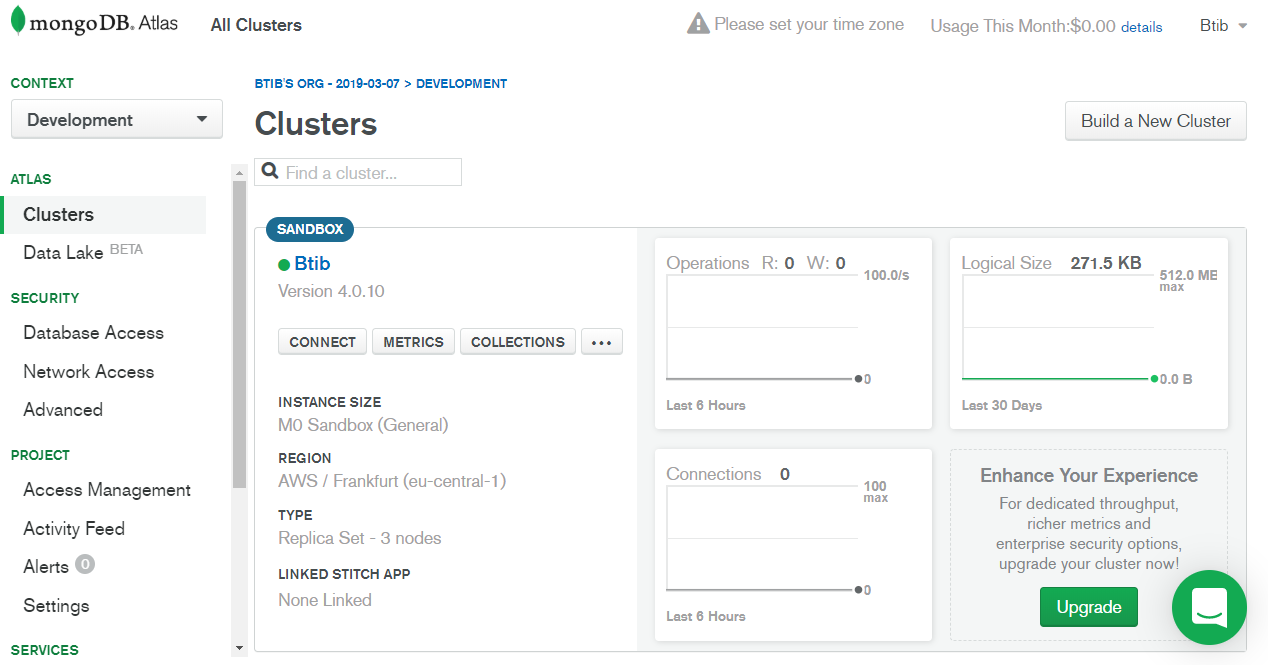
Use the Cloud MongoDb service: Atlas.
Required information
In both cases, you will need the following information later:
-
Hostname: the mongodb cluster instance hostname (cluster-shard-00-00-w9pyz.mongodb.net for example)
-
Port number: the port number which the mongodb receives connection on (27017 with Cloud Atlas)
-
Database Name: the name of the database where niagara will create documents.
-
Database username and password: the database credentials (note: this user needs read/write/create/drop collections permissions in this database).
-
(Optional) Replica Set option Activated: to be able to send messages from mongodb back to niagara devices/points.
Please gather and note those information, we will need them later.
Next Step
Step 2 Set up the MongoDb connector for devices, points and references