
Used as
-
Card
-
Sidebar
Summary
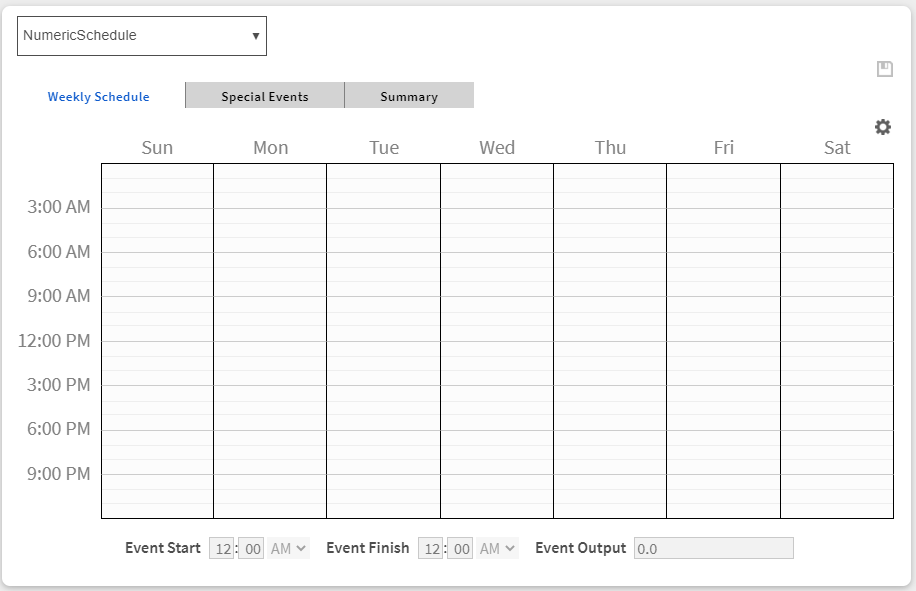
This card allows you to display an agent from a resolved component
Implementation
There are two ways to add it to the FlexPane:
-
Add a card from the settings bar, and choose in the list QueryToComponentViewer
-
Or drag&drop it from the palette
Then
-
Fill-in a title
-
Fill the query to resolve the components.
-
Fill the agent input with the name of the view agent. The agent must exists in for the resolved component.
Flex Widget Properties
-
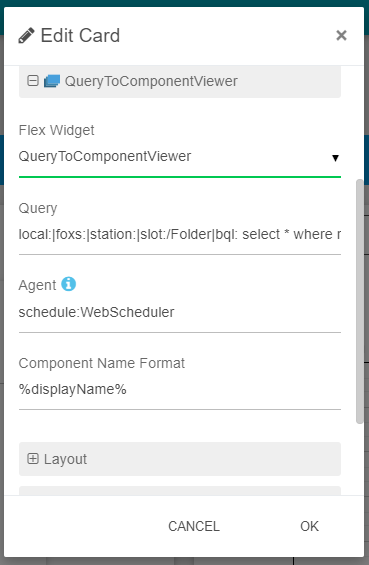
Query: The query to resolve the components (NEQL or BEQL). You can also use SFormat here, origin will refer to the parent of the flexView.
-
Agent: The name of the agent to display for the components, ex: `schedule:WebScheduler`.
-
Component Name Format : The format to display as title of the components.