
Used as
-
Card
-
Sidebar
Summary
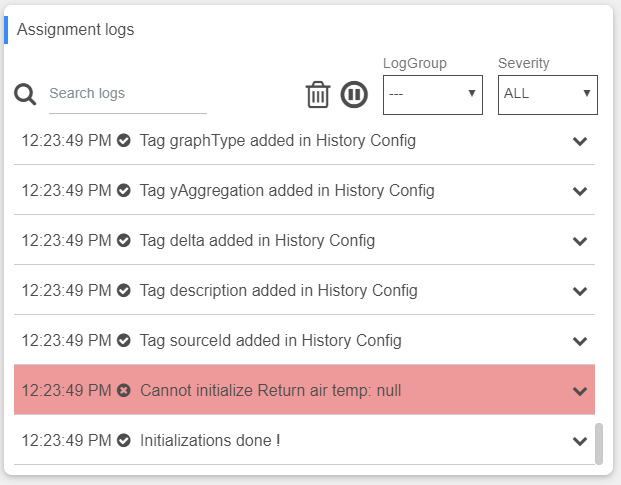
Display logs from each subscribed logGroup
Implementation
-
Add a card from the settings bar, and choose Log in the list
-
Choose the LogGroups you want to see logs from
-
Choose a date format
-
You can:
-
Click on the log you want to see detail from
-
Filter over displayed logs by the LogGroup or the Severity
-
Filter over the message in the logs by typing in Search field
-
Pause the card to avoid receiving new logs by clicking the pause button
-
Erase the logs by clicking the Trash button
-
-
Be careful: the logs are not persistent, if you edit the card or refresh the page, the logs will disappear
Flex Widget Properties
-
Log Group List: The list of logGroups you want to see log from
-
Log Limit: The maximum number of displaying logs. Set the property to 0 to have no limit
-
Date Format: The format of the date to display in logs