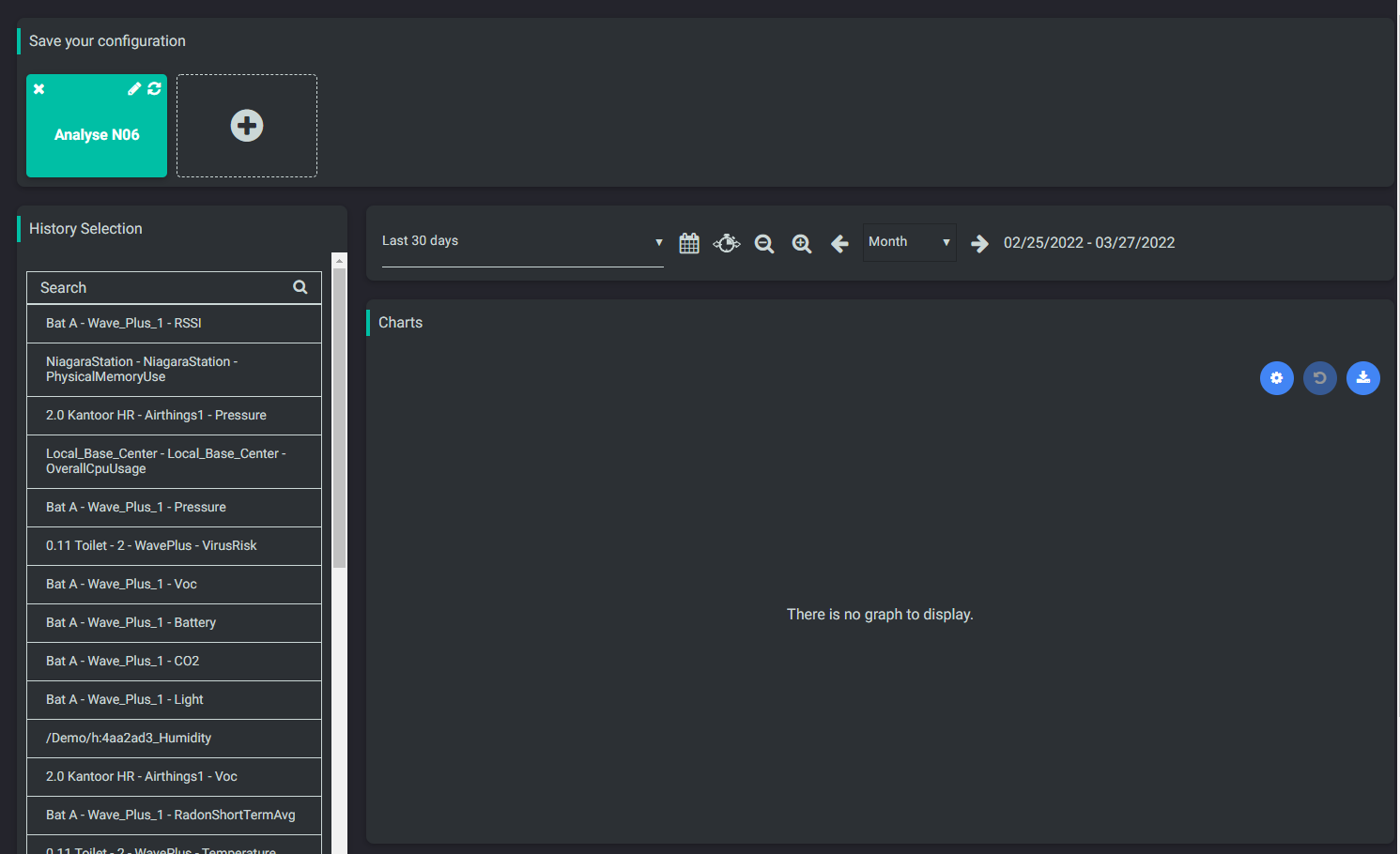
Used as
-
Card
Summary
Use this card to allow a user to save a particular configuration for histories and timerange
Implementation
-
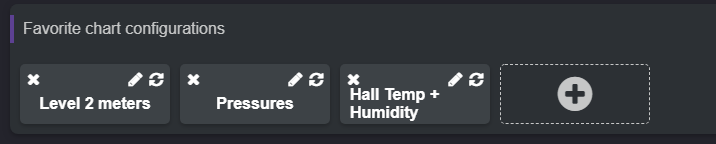
Add the card from the settings bar, and choose in the list Bookmark
-
You can change the background and the foreground of a bookmark
-
Don't forget to accept the permissions if you want to allow the card to control other cards
-
See Master Slave behavior between cards to have more information on how to use it with other cards
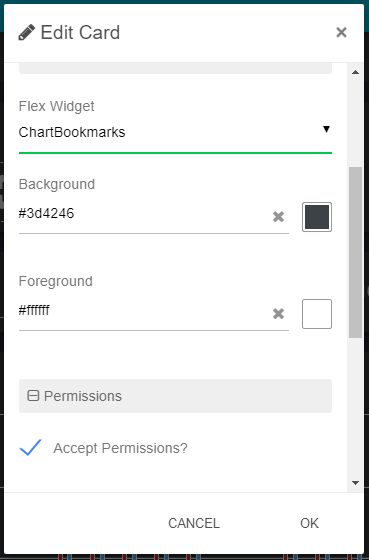
Flex Widget Properties
-
Background: Background color of a bookmark
-
Foreground: Foreground color of a bookmark
Since the version 50.0.18, the bookmarks are stored per user selected. A high role can select users with a lower role, but not the opposite.
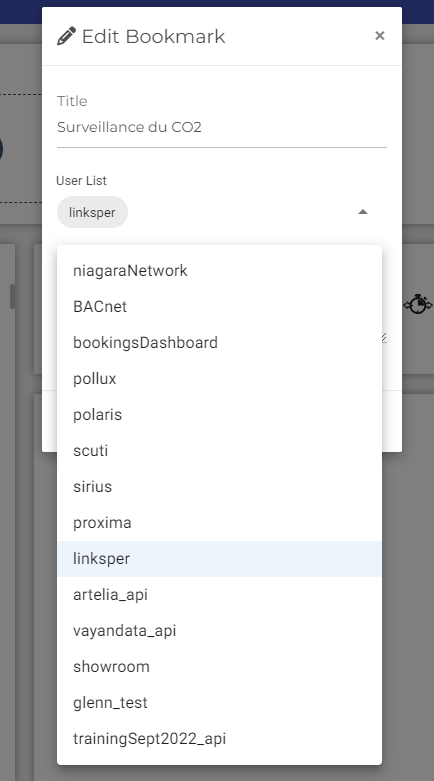
By clicking on the drop-down menu you can select the users who will be able to view the Bookmark. To add or remove a user from the selection, click on the user in the drop-down list
Example
Download below a pre-configured Flex page with a Bookmark