
Used as
-
Card
Summary
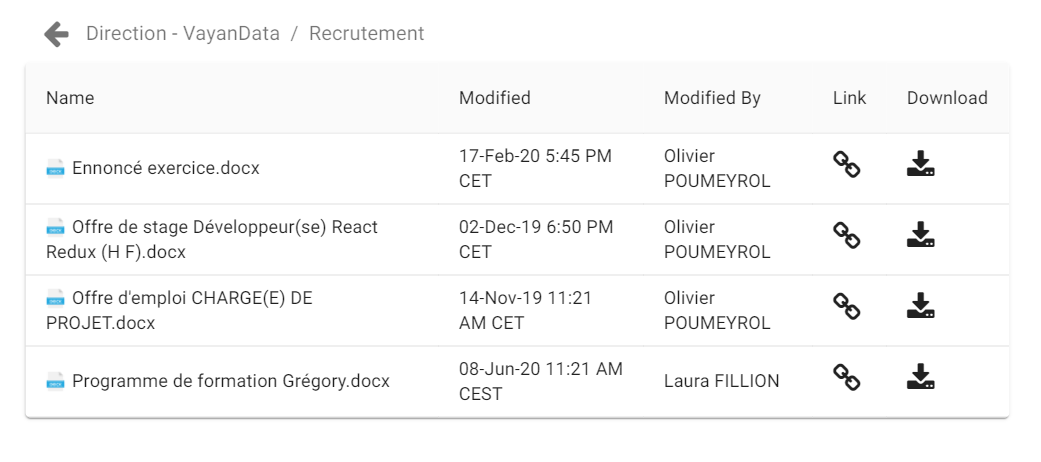
This card allows you to display data structure from References
Implementation
There are two ways to add it to the FlexPane:
-
Type into the flex widget input btibAzure@OneDriveExplorer
-
Or drag&drop a component into a FlexView
Then
-
Fill-in a title
-
Select the connector you want to display data from
Flex Widget Properties
-
Drive Connector: The list of the connectors you can display structure from