
Summary
This block is used to remove a component from a target
Implementation
-
Drag and drop the block from the palette
-
Link the "execute" action from the "executed" topic of the previous block
Example
This block removes a component inside the origin
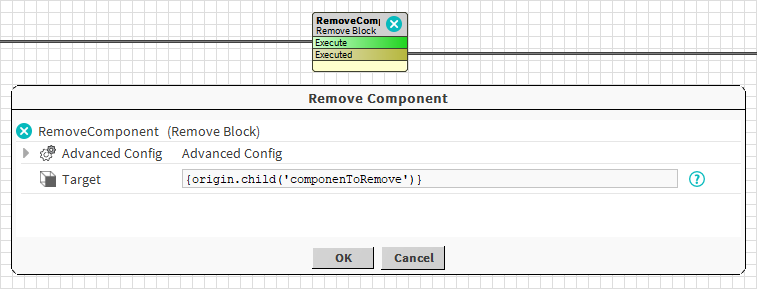
Properties
Advanced Properties
-
RemoveSynchronously: Determines if the remove operation will be done synchronously or not. By default, the value is set to false, so the remove operation will be done at the end of the strategy (allowing you to do other operations on the component before its deletion). It is advised to set this to true only in forward strategies.